10 Best Free AI Video Generator Tools in 2026
Namaste, friends! Welcome to my blog, InsaneNotes.in.
Do you want to make amazing videos? Videos with cool effects, stories, and animations? But you think it is very hard? You think you need a big camera and a computer expert?
Well, my friend, you are wrong!
Today, we can make videos with the help of Artificial Intelligence, or AI. AI is like a smart robot brain inside a computer. You just have to tell the AI what you want, and it will make a video for you! And the best part? You don’t have to pay any money! Yes, many of these AI tools are free.
I have tested many AI video makers. So today, I will tell you about the 10 Best Free AI Video Generator Tools in 2026. I will give you my honest review for each one. Let’s start our fun journey!
What is an AI Video Generator?
First, let’s understand what we are talking about.
An AI Video Generator is a type of computer program. You give it instructions. These instructions can be:
- Text: You write a sentence like, “A cute puppy playing in a garden.”
- Image: You give a photo, and the AI makes it move.
- Video: You give an old video, and the AI changes its style.
The AI robot brain understands your instructions and creates a brand new video for you. It’s like magic! You don’t need to learn difficult editing. It is fast and easy.
A Quick Look at Our Top 10 AI Video Tools
Before we go deep, here is a small table. This table will help you see all the tools together. It’s like a quick cheat sheet!
| Tool Name | Best For | Ease of Use (Out of 5) | Free Plan Details |
|---|---|---|---|
| 1. Runway Gen-3 | High-quality movie-like videos | ★★★★★ | Limited free credits per month |
| 2. Pika Labs | Fun, cartoon-style videos from images | ★★★★☆ | Free credits every day |
| 3. InVideo AI | Making full videos with voice-over from text | ★★★★★ | Free plan with watermark |
| 4. Kapwing | Quick social media videos and memes | ★★★★★ | Free plan with watermark |
| 5. Canva | Students and beginners | ★★★★★ | Lots of free templates and AI |
| 6. Hailuo AI | Creating human-like actors with AI | ★★★☆☆ | Free credits to start |
| 7. Runway ML | Artists and creators who want control | ★★★★☆ | Free tier with credits |
| 8. Luma Dream Machine | Very fast video creation from text | ★★★★☆ | Free video generations every month |
| 9. Adobe Firefly | Safe and simple video effects | ★★★★★ | Free credits with Adobe account |
| 10. Clipchamp | Easy editing for Windows users | ★★★★★ | Free with basic features |
Now, let’s learn about each tool one by one.
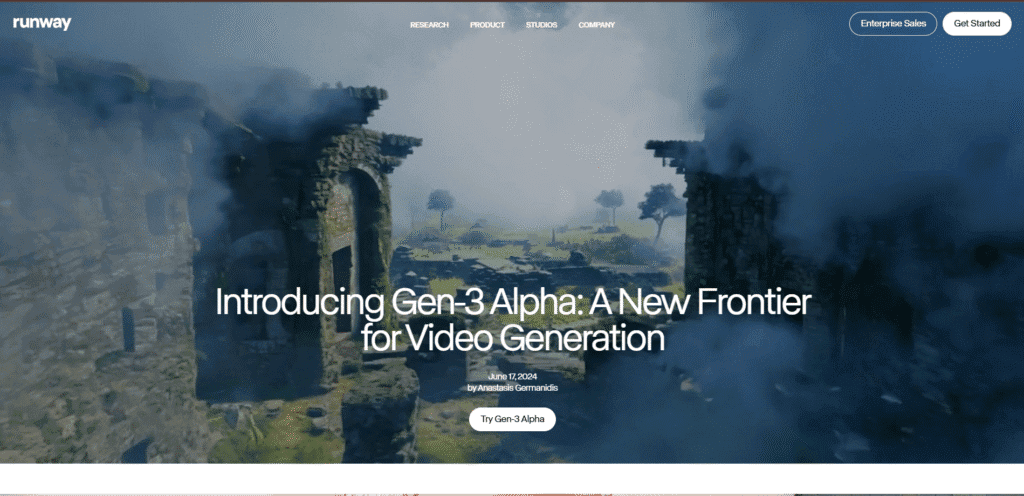
1. Runway Gen-3 – The Hollywood Director
My Honest Review:
If you want to make videos that look like they are from a real movie, Runway Gen-3 is the king. It is one of the most powerful AI video tools. The quality of the videos is just stunning. The people and animals in the video look very real and move smoothly.
What I Like:
- Super Quality: The videos are very sharp and beautiful.
- Easy to Use: The website is clean. You just type your idea and click generate.
- Great Controls: You can control how the camera moves (like zoom in, zoom out).
What I Don’t Like:
- The free plan gives you only a few credits. One credit makes one short video. So, you have to use it carefully.
Who is it for?
It is for people who want to make professional-looking short films, music videos, or ads. If you are a serious creator, you will love Runway Gen-3.
My Tip: Use your free credits for your best ideas. Don’t waste them on testing.
2. Pika Labs – The Cartoon Artist
My Honest Review:
Pika Labs is so much fun! It is famous for turning your images into animated videos. Do you have a picture of your friend? You can make that picture talk or dance! The style is often like a cartoon or an anime, which looks very cool.
What I Like:
- Image to Video: This is its superpower. Upload any photo and see it come to life.
- Fun Styles: You can make videos in styles like “Anime”, “Watercolor”, or “Cinematic”.
- Daily Free Credits: You get some free credits every day. This is great for daily practice.
What I Don’t Like:
- Sometimes the video can be a little short or jumpy.
- The website can feel a bit confusing at first.
Who is it for?
It is for everyone who loves animation and fun. Great for making birthday videos, funny memes, or cool cartoon stories.
My Tip: Try using a very clear and simple image for the best results.
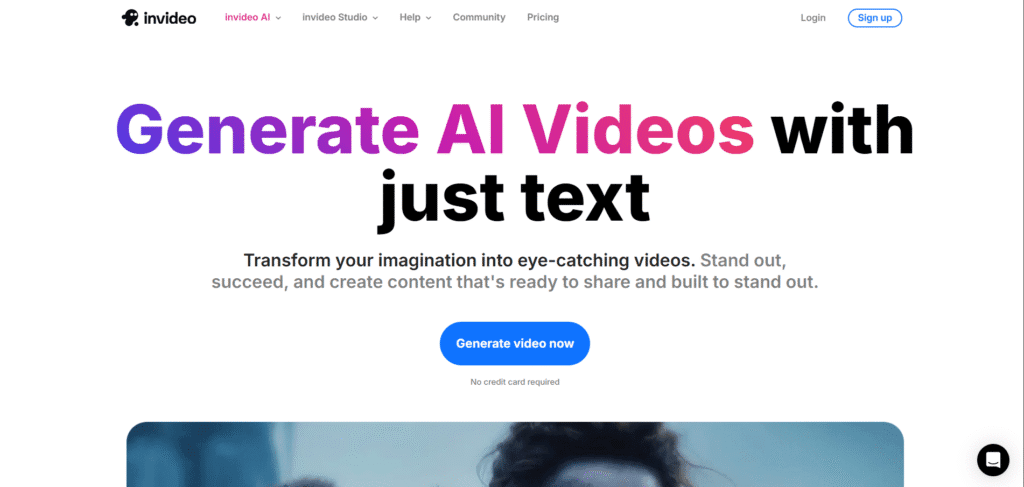
3. InVideo AI – The Smart Storyteller
My Honest Review:
InVideo AI is like a genius friend who makes a full video for you from just one sentence. You type “A story about a robot learning to bake a cake,” and it will create a full 1-minute video with different scenes, a voice that tells the story, background music, and text! It is amazing.
What I Like:
- All-in-One: It makes the script, voice-over, video clips, and music automatically.
- Very Easy: Perfect for beginners. No technical knowledge needed.
- Great for YouTube: You can make full YouTube videos in minutes.
What I Don’t Like:
- The free plan puts a big watermark on the video.
- You have limited exports per week.
Who is it for?
It is perfect for YouTubers, teachers, and marketers who need to make videos quickly with a full story.
My Tip: Use the free plan to see how it works. If you like it, the paid plan is worth it.
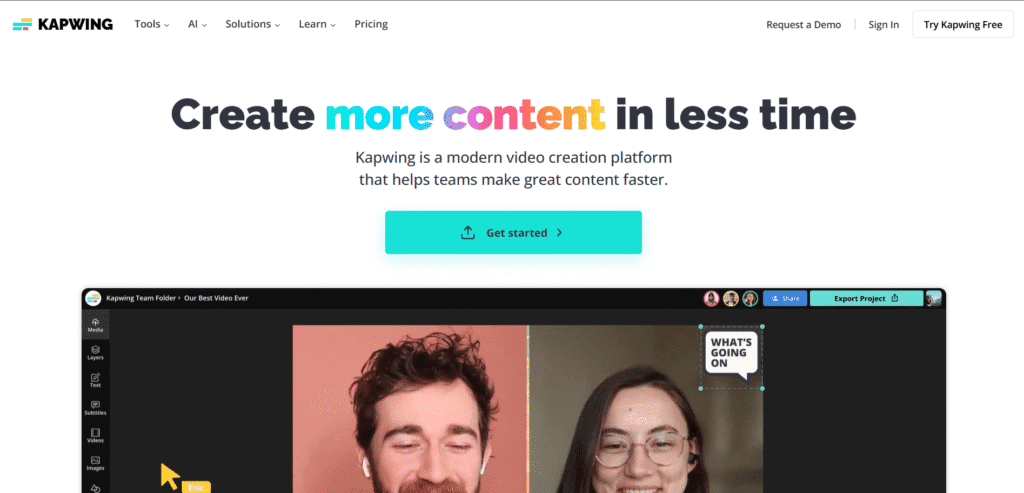
4. Kapwing – The Social Media Star
My Honest Review:
Kapwing is a very popular online video editor. Now, it has added many AI tools. It is perfect for making videos for Instagram, TikTok, and YouTube Shorts. It is fast, simple, and gets the job done.
What I Like:
- AI Tools: It has AI for subtitles, background removal, and even video generation.
- No Software Needed: It works completely in your internet browser.
- Collaborate: You can work on a video with your friends at the same time.
What I Don’t Like:
- The free videos have a Kapwing watermark.
- Some advanced features are paid.
Who is it for?
It is for students, social media managers, and anyone who wants to make quick, trendy videos without any fuss.
My Tip: Its “AI Resize” tool is great for changing a YouTube video into a TikTok video instantly.
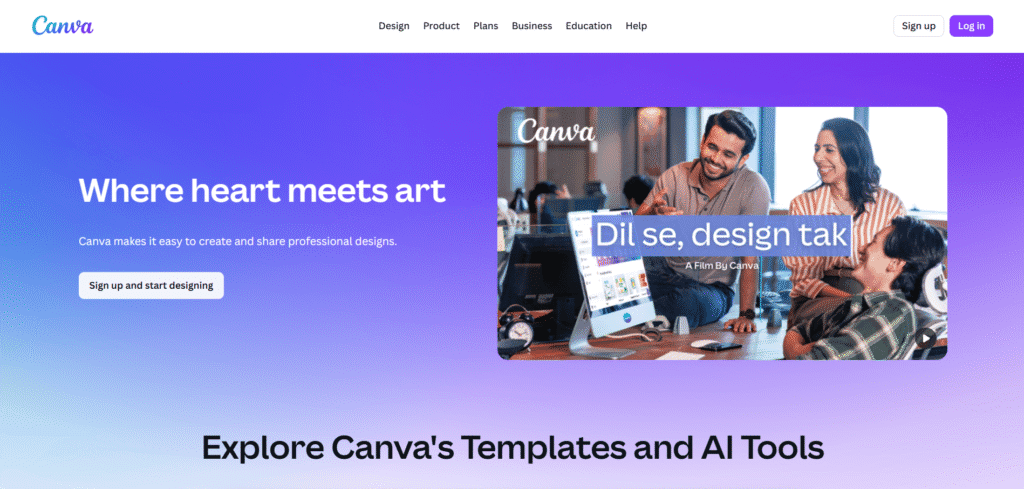
5. Canva – The Student’s Best Friend
My Honest Review:
You all know Canva for making posters and presentations, right? Now, Canva has a powerful AI video maker too. The best thing about Canva is that it is super easy. If you are in 5th class, you can also use it without any problem.
What I Like:
- Simple Magic Design: You just upload your photos/videos, and AI makes a cool video for you.
- Thousands of Templates: So many free templates for birthdays, school projects, etc.
- All in One Place: You can design your thumbnail, edit your video, and add music in one tab.
What I Don’t Like:
- The AI video generation is not as powerful as Runway or Pika. It is more for assembling clips.
Who is it for?
It is for everyone, especially students, teachers, and small business owners. It is the friendliest tool on this list.
My Tip: Always explore the “Apps” inside Canva to find cool AI tools like “Magic Animate”.
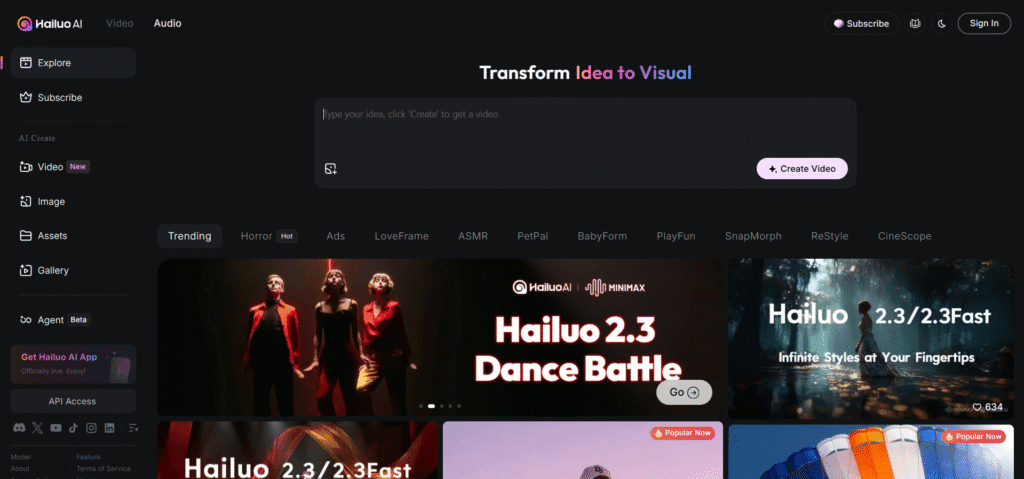
6. Hailuo AI – The AI Actor Maker
My Honest Review:
This tool is very interesting. Hailuo AI (also known as HeyGen) is famous for creating AI avatars that look like real people. These digital people can speak your script in many different languages. It’s like creating a news reporter or a teacher for your video.
What I Like:
- Realistic Avatars: The AI people look very real and can have different emotions.
- Voice Cloning: You can even make the avatar speak in your own voice!
- Multi-language: Great for making videos for a global audience.
What I Don’t Like:
- It can be a bit expensive for the paid plans.
- The free trial is very limited in terms of time.
Who is it for?
It is for businesses that make training videos, or for creators who want a presenter in their videos without showing their own face.
My Tip: Use the free trial to create a short introduction video for your YouTube channel.
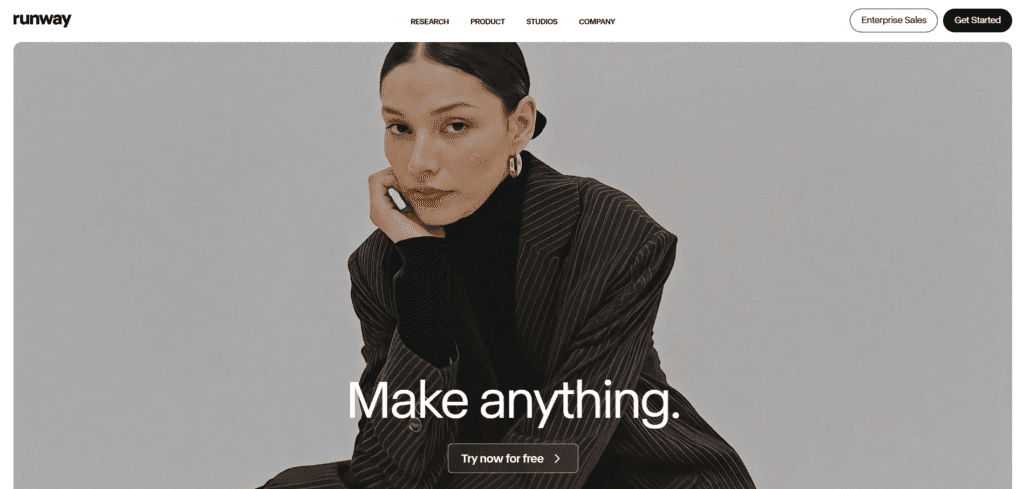
7. Runway ML – The Artist’s Playground
My Honest Review:
You must be thinking, “You already told about Runway?” Yes, but Runway ML is the company’s platform that has many other AI tools besides Gen-3. Here, you can do more technical things like removing something from a video (green screen effect), making an image from text, and much more.
What I Like:
- 30+ AI Tools: It’s a full playground with so many tools to experiment with.
- Precision: You have more control over your edits.
- Constant Updates: The team is always adding new, cool features.
What I Don’t Like:
- It can be overwhelming for a complete beginner.
- Uses the same free credits, so they finish quickly if you experiment a lot.
Who is it for?
It is for digital artists, video editors, and people who love to experiment with different AI technologies.
My Tip: Try the “Inpainting” tool to remove any unwanted object from your video magically.
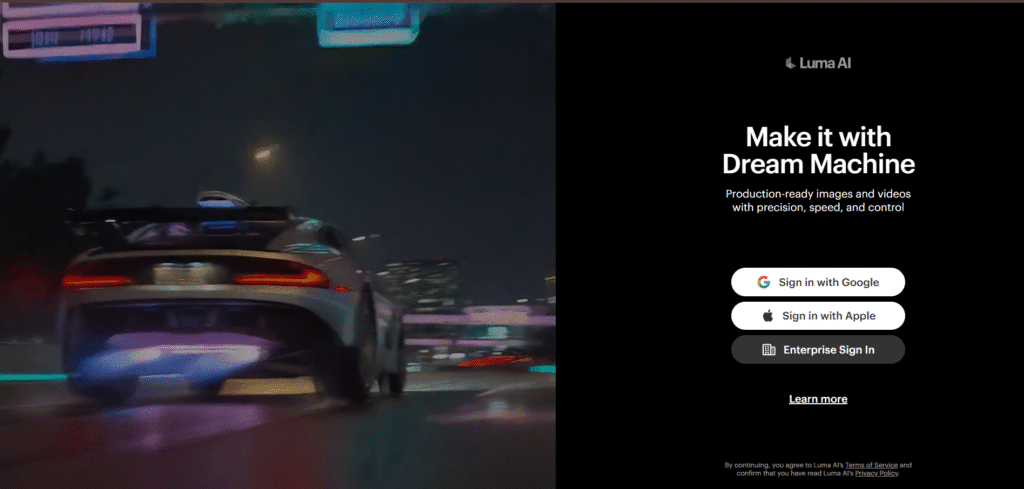
8. Luma Dream Machine – The Speed Racer
My Honest Review:
Luma Dream Machine is the new cool kid in town. Its biggest advantage is speed. It can create a video from your text in just a few minutes! The quality is also very good, with smooth motion. Many people say it is a strong competitor to Runway.
What I Like:
- Very Fast: You don’t have to wait long for your video.
- High Quality: The videos are clear and have good lighting.
- User-Friendly: The interface is simple and clean.
What I Don’t Like:
- Being a new tool, it sometimes has a waiting queue because so many people are using it.
- The free generations are limited per month.
Who is it for?
It is for all types of creators who need good quality videos quickly.
My Tip: Follow their official social media accounts. They sometimes announce free credit giveaways.
9. Adobe Firefly – The Safe Choice
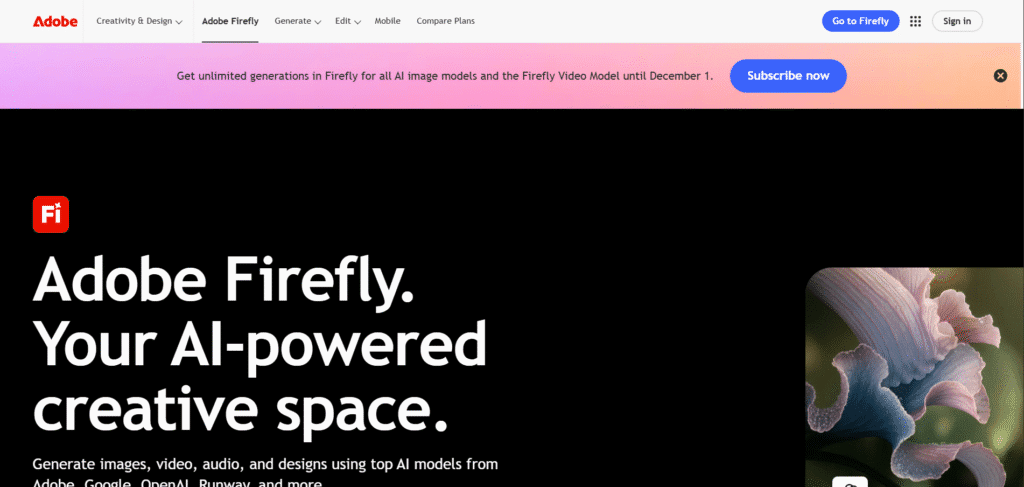
My Honest Review:
Adobe is a big, famous company that makes Photoshop. Adobe Firefly is their AI family. Its video tool is mainly for adding AI effects to your existing videos. For example, you can select an object and change its color or style using a text prompt.
What I Like:
- Safe and Ethical: Adobe trains its AI on its own images, so it’s safe to use for business.
- High Quality: As expected from Adobe, the results are professional.
- Integration: It works inside other Adobe apps like Premiere Pro.
What I Don’t Like:
- It is not a full video generator from text like Runway. It’s more for editing.
- The free plan has a limited number of generations.
Who is it for?
It is for people who already use Adobe products or for businesses that want a safe and reliable AI tool.
My Tip: Use the “Generative Fill” for videos to easily extend a video background.
10. Clipchamp – The Windows Helper
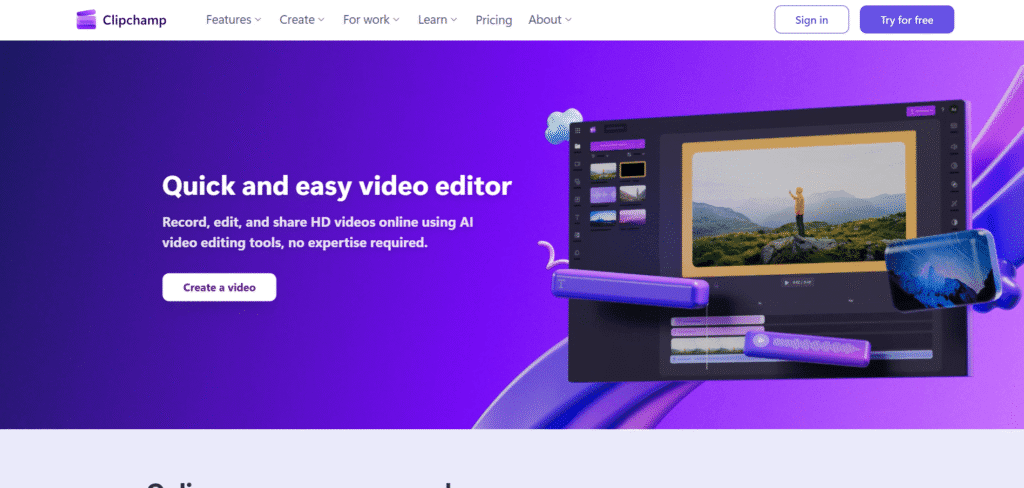
My Honest Review:
If you use a Windows computer, you might have seen Clipchamp. It comes built-in with Windows 11. It is a simple video editor that now includes AI features like text-to-speech and auto captions. It is not the most powerful, but it is very convenient.
What I Like:
- Comes Free with Windows: No need to download anything.
- Very Simple: The easiest tool to start with if you are a complete beginner.
- Good AI Features: The text-to-video and auto subtitle features are helpful.
What I Don’t Like:
- The AI video generation is very basic.
- Watermarks on exports unless you pay.
Who is it for?
It is for Windows users who need to make a simple video quickly for a school project or a family function.
My Tip: Use its “Record Screen” feature along with its AI voice-over to make simple tutorial videos.
How to Choose the Right Tool? A Simple Guide
So many tools! How do you choose? Don’t worry, bhai. Here is a simple guide:
- For a Complete Beginner: Start with Canva or Clipchamp. They are the easiest.
- For Making Full Stories: Use InVideo AI. It does everything for you.
- For Movie-Level Quality: Use Runway Gen-3 or Luma Dream Machine.
- For Fun and Cartoons: Use Pika Labs.
- For Social Media Videos: Use Kapwing.
- For Business and Training Videos: Use Hailuo AI.
My advice is to try 2-3 tools from the free list. See which one you enjoy using the most.
Frequently Asked Questions (FAQs)
Q1: Are these AI video generators really free?
Yes, all the tools I mentioned have a free plan. But remember, free plans have limits. They might give you a limited number of videos, put a watermark, or have shorter video lengths. But they are great to start learning.
Q2: Can I use these videos on my YouTube channel?
Yes, you can! But you must check the rules of each tool. Most tools let you use the videos for personal and even business purposes. However, videos made on the free plan of InVideo or Kapwing will have a watermark, which you might not want on your YouTube channel.
Q3: I am a student. Which tool is best for me?
Canva is the best for students. It is easy, has everything you need for school projects, and is very fun to use.
Q4: What do I need to use these tools?
You just need a good internet connection and a computer or a laptop. Some tools also have mobile apps. You don’t need a big, expensive computer.
Q5: Is making AI videos easy?
Yes, it is very easy! It is much easier than learning full video editing. You just type what you want. The AI does the hard work. It might take a few tries to get the perfect video, but it is not difficult at all.
Final Words
So, friends, this was my big list of the 10 Best Free AI Video Generator Tools in 2026. I hope you liked my simple and honest reviews.
The world of AI is changing very fast. These tools are becoming smarter every day. Now, anyone can be a video creator. You don’t need a big budget. You just need a good idea and the right tool.
So, what are you waiting for? Go to one of these websites, create a free account, and make your first AI video today! It is a very fun and exciting thing to do.
If you have any questions, just write in the comments below. I will be happy to help you.
Thank you for reading on InsaneNotes.in! Keep creating amazing things




1 thought on “10 Best Free AI Video Generator Tools in 2026 – Create Stunning Videos Instantly”