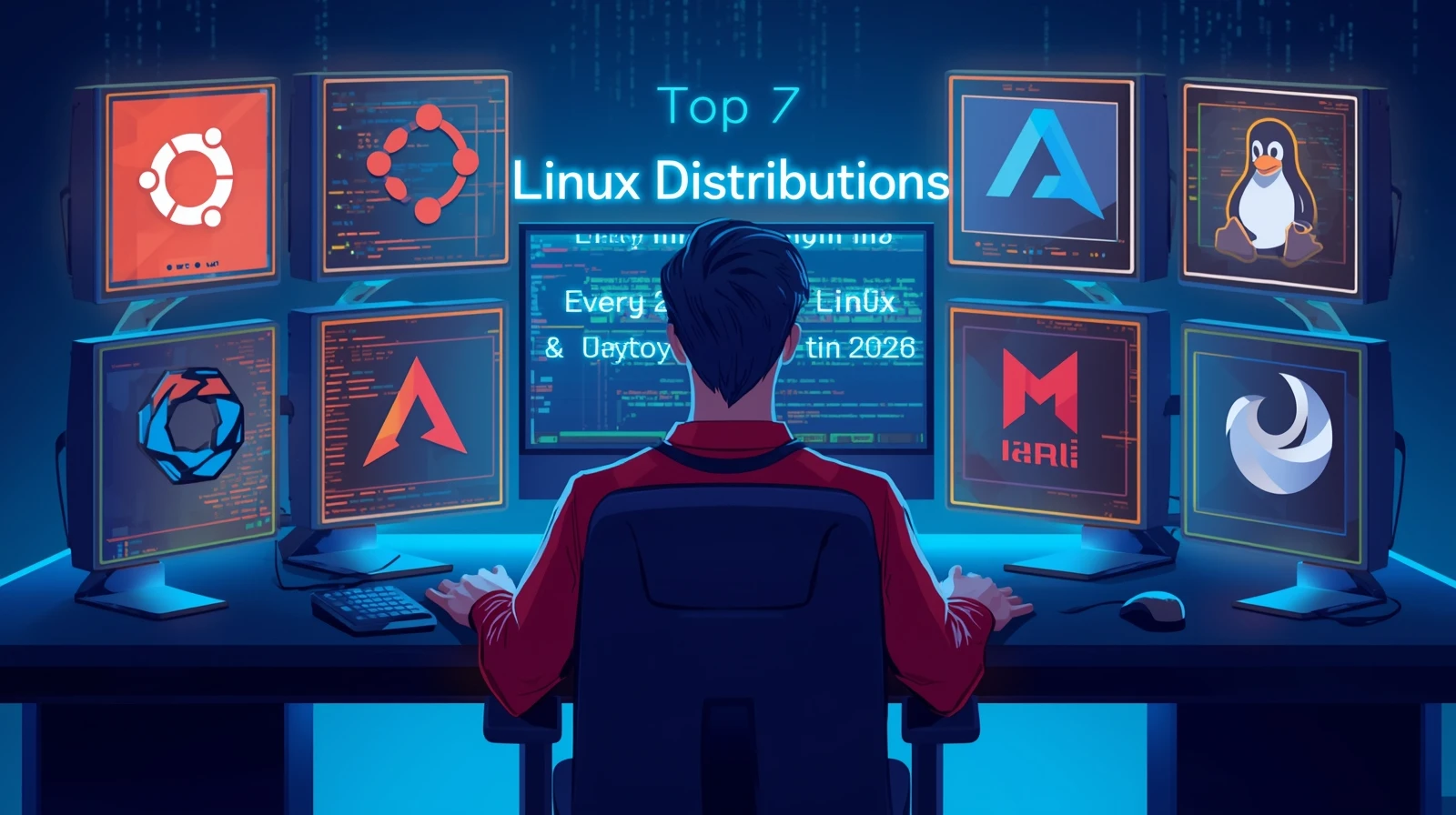
Top 7 Linux Distributions Every Programmer & Developer Should Use in 2026
Hello, fellow coders and future developers! Welcome to InsaneNotes.in.
Have you ever felt that your computer’s operating system is holding you back? Maybe it’s slow, or it doesn’t have the right tools for coding. Well, you’re not alone. Many programmers around the world have found a secret weapon: Linux distributions.
But what are Linux distributions? Think of Linux as the engine of a car. A Linux distribution (or “distro” for short) is the whole car built around that engine—the body, the seats, the steering wheel. It’s a complete operating system package.
For programmers, using the right Linux distributions is like having a superpower. They are stable, secure, and give you total control. The best part? Most of them are completely free!
In this article, we will explore the top 7 Linux distributions that are perfect for programmers and developers. Whether you are just starting your coding journey or you are a seasoned expert, there is a perfect Linux distro waiting for you in 2026. Let’s find your match!
Why Do Programmers Love Linux Distributions?
Before we dive into our list, let’s quickly understand why Linux distributions are so popular in the developer community.
- Total Freedom: You can change almost anything. Don’t like how something looks? Change it. Need a specific tool? Install it.
- Powerful Terminal: The command line terminal is a programmer’s best friend. It lets you talk directly to your computer to run programs, manage files, and automate tasks quickly.
- Amazing for Development: Most programming languages and tools were built for a Linux-like environment. Tools like Python, C++, Git, and Docker often work better and are easier to set up on Linux distros.
- It’s Free! You don’t have to pay for a license. You can just download and use it.
- Super Secure and Stable: Linux is known for being very reliable. It rarely crashes, which is great when you’re in the middle of an important project.
The Ultimate List: Top 7 Linux Distros for Coders in 2026
Here is our carefully curated list of the best Linux distributions for developers and programmers. We’ve included options for all skill levels.
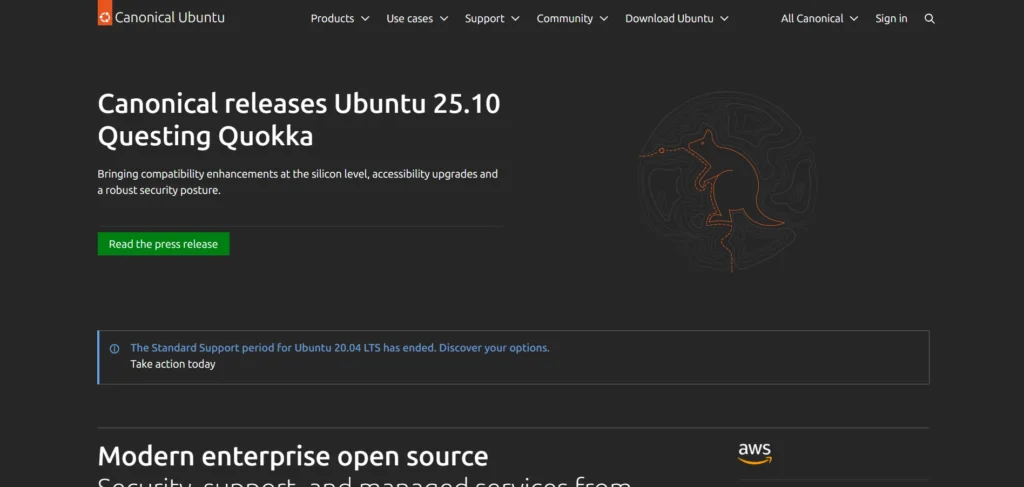
1. Ubuntu: The Friendly Giant
Best for: Beginners and all-round developers.
If you are new to the world of Linux distributions, Ubuntu is the best place to start. It’s like the friendly neighbor who is always there to help.
Why programmers love it:
- Easy to Use: Ubuntu is designed to be simple. Installing software is a breeze with its Software Center, which is like an app store.
- Huge Community: If you have a problem, millions of people use Ubuntu. A quick internet search will almost always give you an answer. This makes it one of the most developer-friendly Linux distributions.
- Great for Web Development: Setting up a “LAMP stack” (Linux, Apache, MySQL, PHP/Python) for web development is very straightforward on Ubuntu. Most cloud servers also run Ubuntu, so you can mirror your development environment easily.
Who is it for? If you’re switching from Windows or macOS and want a smooth, hassle-free start with Linux, choose Ubuntu.
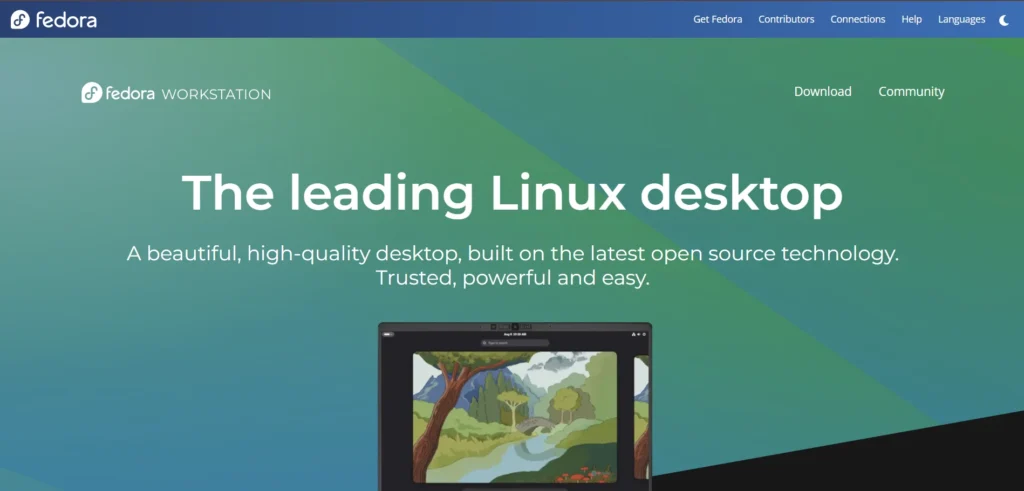
2. Fedora Workstation: The Cutting-Edge Innovator
Best for: Developers who want the latest software and technologies.
Fedora is like a sneak peek into the future of Linux operating systems. It’s backed by the giant Red Hat company and is always at the forefront of new technology.
Why programmers love it:
- Always Fresh: Fedora gets updates very quickly. You get the newest versions of programming languages, tools, and the Linux kernel itself.
- Focus on Developers: It comes with great developer tools pre-installed. It supports new container technologies like Podman and Flatpak out of the box.
- Rock-Solid Base: Even though it has the latest software, it’s very stable and secure.
Who is it for? If you love working with the newest tools and technologies, and you want a stable but modern system, Fedora is for you.
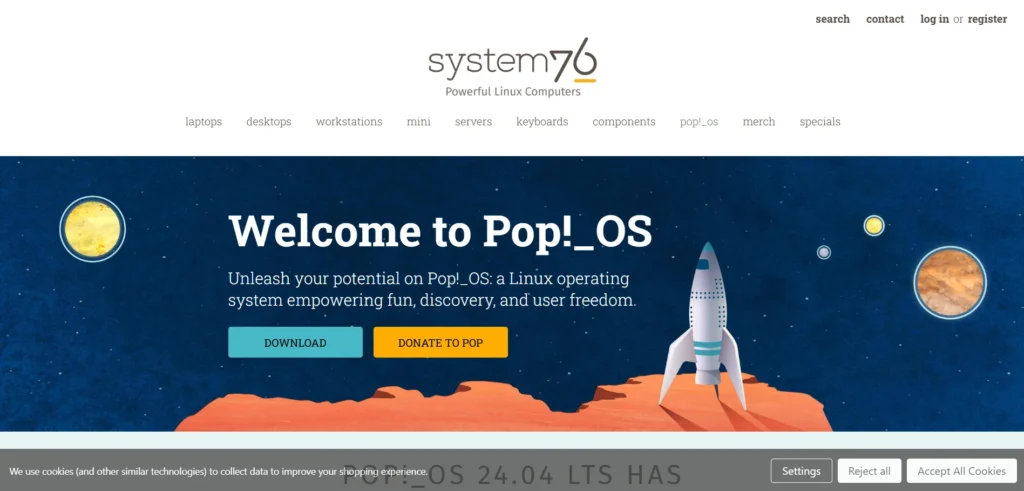
3. Pop!_OS: The Powerhouse for Creators & Tinkerers
Best for: Game developers, data scientists, and users with NVIDIA graphics cards.
Pop!_OS is made by System76, a company that builds computers for Linux. They designed this Linux distro to be a powerful workhorse for creative and technical professionals.
Why programmers love it:
- Out-of-the-Box Graphics Support: It has a simple installer that includes drivers for NVIDIA graphics cards. This is a huge time-saver for developers working on AI, machine learning, or game development.
- Great Window Management: Pop!_OS has a feature called “Auto-Tiling” that automatically organizes your windows. This is fantastic for coding, as you can have your code editor, terminal, and browser open side-by-side without any hassle.
- Based on Ubuntu: Since it’s built on Ubuntu, you get all the benefits of its huge software library and community support.
Who is it for? If you have a powerful machine, especially with an NVIDIA GPU, and you want a distro that “just works” for heavy-duty tasks, pick Pop!_OS.
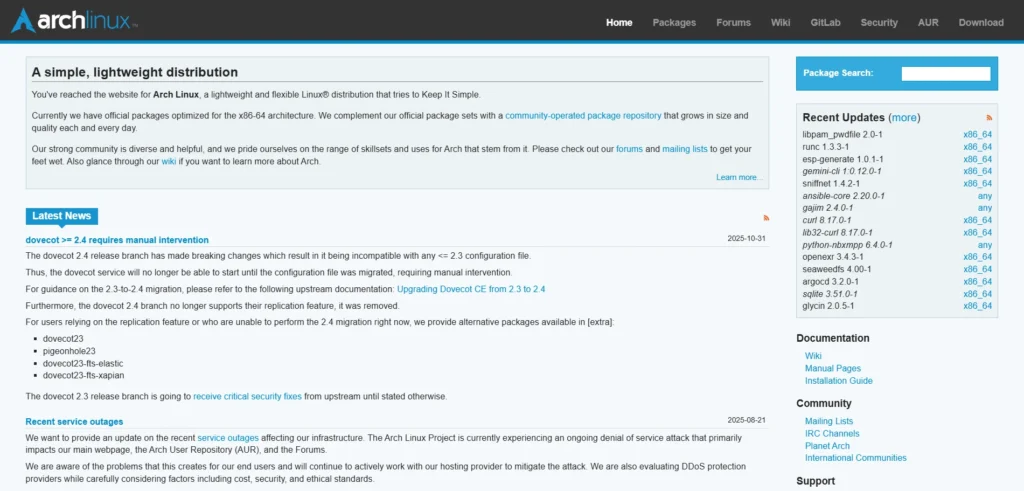
4. Arch Linux: The DIY Masterclass
Best for: Experts and learners who want to understand Linux inside out.
Arch Linux is not for the faint of heart. It’s like a big box of LEGO blocks—you get all the pieces, but you have to build everything yourself. There is no fancy installer; you build your system from the ground up using commands.
Why programmers love it:
- Total Control: You only install what you need. This results in a super-fast and lightweight system that is perfectly tailored to you.
- The Best Documentation: The Arch Wiki is legendary. It is the most comprehensive and helpful guide for any Linux-related task, even if you don’t use Arch!
- Rolling Release: You never need to do a big upgrade. Your system updates continuously, so you always have the latest software.
Who is it for? Only for those who are comfortable with the command line and want to learn how Linux works at a deep level. If you want an easier way to get an Arch experience, try Manjaro (an Arch-based distro).
5. Debian: The Unshakable Rock
Best for: Server management and developers who need maximum stability.
Debian is one of the oldest and most respected Linux distributions. It is the foundation for many other distros, including Ubuntu. Its motto is “Stable. Solid. Secure.”
Why programmers love it:
- Incredibly Stable: The software in Debian’s main repository is tested for a very long time. This means it might not be the newest, but it is guaranteed to be bug-free and reliable.
- Runs Everywhere: Debian can run on almost any computer, from old laptops to massive servers. This makes it a top choice for Linux for server management.
- Pure Free Software: It is completely committed to free and open-source software.
Who is it for? If you are setting up a server or working on a project where stability is more important than having the latest features, Debian is unbeatable.
6. openSUSE Tumbleweed: The Reliable Rolling Release
Best for: System administrators and developers who want a perfect balance of new software and stability.
openSUSE offers two main versions. “Leap” is like Debian—very stable. But “Tumbleweed” is the star for developers. It’s a rolling release, like Arch, but it’s tested more thoroughly.
Why programmers love it:
- Tested Rolling Release: Before any update reaches your computer, it is tested by a system called “OpenQA.” This means you get new software without the fear of your system breaking.
- Amazing Tools: It comes with YaST (Yet another Setup Tool), a powerful control center that lets you manage every part of your system from one place.
- Great for Enterprise: If you work in a company that uses SUSE Linux Enterprise, using openSUSE Tumbleweed is a great way to stay compatible.
Who is it for? Developers who want the latest software but don’t want to spend time fixing their OS if an update goes wrong.
7. NixOS: The Reproducible Genius
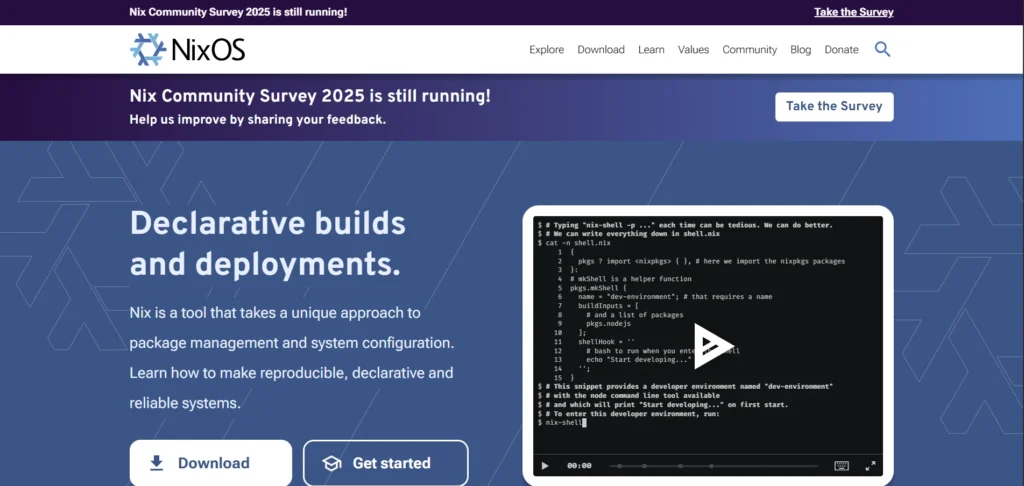
Best for: Developers obsessed with reproducible environments and configuration.
NixOS is a unique and powerful Linux distro. It lets you declare your entire system configuration—every program, every setting—in a single text file.
Why programmers love it:
- Reproducible Environments: You can take that configuration file and build the exact same system on another computer. This is a dream for software development teams to ensure everyone has the same setup.
- No More Dependency Hell: It has a unique way of handling software packages that prevents conflicts, a common problem in other Linux distributions.
- Easy to Experiment: You can try out new software or settings without fear. If something breaks, you can just roll back to a previous working configuration.
Who is it for? Advanced developers and teams who need perfectly consistent development environments across multiple machines.
Quick Comparison Table: Top Linux Distributions for Developers
To make your choice easier, here’s a simple table comparing our top Linux distributions for programming.
| Distro Name | Best For | Ease of Use | Software Freshness | Key Strength |
|---|---|---|---|---|
| Ubuntu | Beginners, Web Dev | Very Easy | Slightly Older | Huge Community & Support |
| Fedora | Latest Tech | Easy | Very Fresh | Innovation & Cutting-Edge |
| Pop!_OS | AI/ML, Game Dev | Easy | Fresh | Great Graphics & Tiling |
| Arch Linux | Experts, Learners | Hard | Latest | Total Control & Customization |
| Debian | Servers, Stability | Medium | Older | Rock-Solid Reliability |
| openSUSE Tumbleweed | SysAdmins, Balance | Medium | Fresh | Tested Rolling Release |
| NixOS | Reproducible Setups | Hard | Fresh | Declarative Configuration |
How to Choose Your Perfect Linux Distribution?
With so many great Linux distributions available, how do you pick one? Ask yourself these questions:
- What is my skill level?
- Beginner: Start with Ubuntu or Pop!_OS.
- Intermediate: Try Fedora or openSUSE Tumbleweed.
- Expert: Dive into Arch Linux or NixOS.
- What do I need it for?
- General Web Development: Ubuntu or Fedora.
- AI/Machine Learning: Pop!_OS or Ubuntu.
- Learning Linux Internals: Arch Linux.
- Server/Stability Focus: Debian.
- How much time do I want to spend?
- “Just works”: Ubuntu, Pop!_OS, Fedora.
- “I love to tinker”: Arch Linux, NixOS.
The best way to find out is to try them! You can create a “live USB” for most Linux distros. This lets you run the operating system from a USB drive without installing it on your computer. It’s a risk-free way to test them out.
Frequently Asked Questions (FAQs)
1. Which Linux distro is best for a total beginner programmer?
Ubuntu is the best choice for a total beginner. It is the most popular, has the easiest installation process, and has countless tutorials online for any problem you might face.
2. Can I use these Linux distributions on my old laptop?
Absolutely! Linux distributions are famous for bringing old computers back to life. For very old hardware, you might want to try lighter distros like Lubuntu (a lightweight version of Ubuntu) or Xubuntu. But from our list, Debian and Arch Linux (if you set it up minimally) can run very well on old machines.
3. Are these Linux distros really free?
Yes, all the Linux distributions mentioned in this article are 100% free to download, install, and use. You never have to pay a penny.
4. Is it difficult to install Linux?
Not anymore! Distributions like Ubuntu, Pop!_OS, and Fedora have graphical installers that are as easy as installing any other software. They guide you step-by-step. The more advanced distros like Arch Linux require command-line installation, which is a great learning experience.
5. Can I play games on these Linux distros?
Yes! Gaming on Linux has improved dramatically. Pop!_OS is especially good because of its easy graphics driver support. A tool called “Proton” (part of Steam) allows thousands of Windows games to run perfectly on Linux.
Conclusion: Your Coding Journey Starts Now
And there you have it! The top 7 Linux distributions every programmer and developer should consider using in 2026. The world of Linux distributions is vast and exciting. There is no single “best” one—only the one that is best for you and your projects.
Whether you choose the friendly Ubuntu, the cutting-edge Fedora, or the rock-solid Debian, you are making a great choice for your programming career. You are choosing an operating system that gives you freedom, power, and control.
So, what are you waiting for? Pick one, create a live USB, and take it for a spin. Your new favorite coding environment is just a download away.
Happy coding from your friends at InsaneNotes.in