Firewall in Networking Explained: Types, Functions, and Working (2026 Ultimate Guide)
Hey there, welcome back to InsaneNotes.in!
Imagine your computer or your home Wi-Fi network is a super-cool, exclusive castle. You have valuable treasure inside (your photos, passwords, and files). Now, what’s the most important thing a castle needs? A strong, smart gatekeeper!
In the world of computers, that gatekeeper is called a firewall.
You might have heard this techy word before. Maybe your IT friend mentioned it, or you saw it in your computer’s settings. It sounds complicated, but it’s actually a simple and powerful idea.
In this friendly guide, we’re going to break down everything about a firewall in networking. We’ll explain what it is, how it works, its different types, and why you absolutely need one. Let’s make this digital bodyguard easy to understand!
What is a Firewall in Networking? The Digital Gatekeeper

Let’s start with a simple definition.
A firewall is a security system that acts as a protective barrier between a trusted network (like your home network) and an untrusted network (like the big, wild internet). Its main job is to monitor and control all the incoming and outgoing traffic based on a set of security rules.
Think of it like this:
- Your Computer/Network: Your castle.
- The Internet: The outside world, with both friendly visitors and potential thieves.
- The Firewall: The guard at the castle gate, checking everyone’s ID before letting them in or out.
A firewall can be hardware (a physical device, like your router), software (a program on your computer, like Windows Firewall), or both. Its core purpose is to block unauthorized access while allowing legitimate communication to happen freely.
Why Do We Need a Firewall? The 3 Key Functions
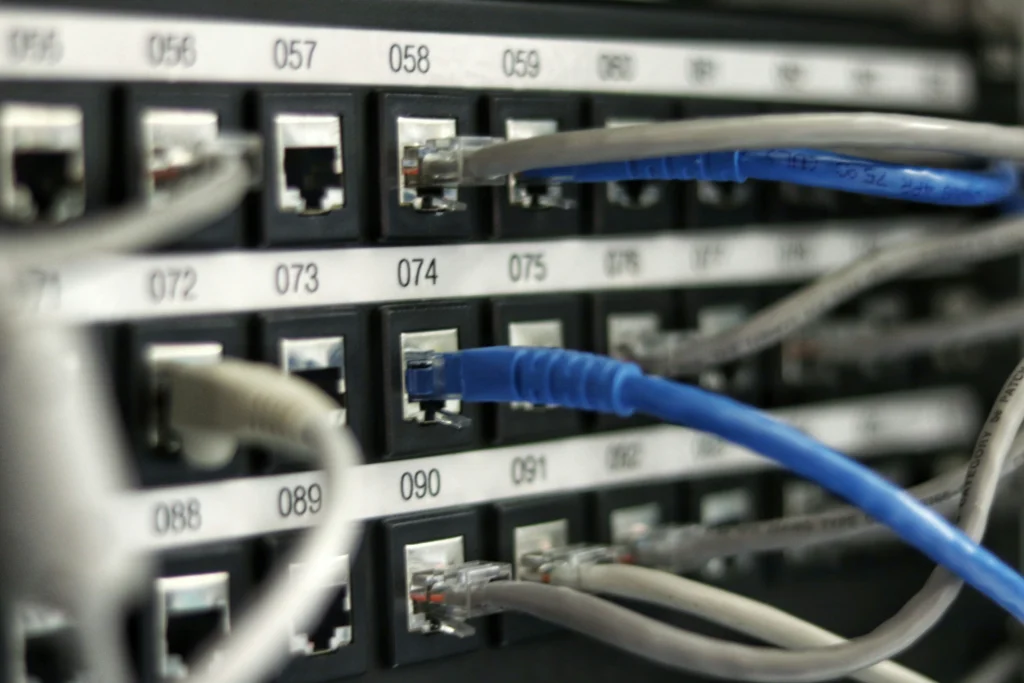
So, what does this digital guard actually do? The functions of a firewall are pretty straightforward.
1. Packet Filtering: The ID Checker
This is the most basic job. All data traveling over the internet is broken down into small pieces called “packets.” A firewall examines each packet’s header information, like:
- Source and Destination Address: Where is it coming from and where is it going?
- Port Number: Which “door” is it trying to use? (e.g., Port 80 is for web traffic, Port 25 is for email).
The firewall then checks these details against its set of rules. If a packet from a suspicious address tries to enter through a closed door, the firewall blocks it. It’s like a bouncer checking an invitation list.
2. Stateful Inspection: The Smart Detective
Modern firewalls are much smarter. They don’t just look at individual packets; they remember the “state” of connections.
For example, if you request to load a website, the firewall knows you initiated that connection. It will then expect the returning data packets and let them through easily. However, if an unsolicited packet suddenly tries to enter from the internet without you asking for anything, the stateful firewall will get suspicious and block it. It’s like a guard who not only checks your ID but also remembers you just walked out to get your mail and lets you back in without a fuss.
3. Application-Level Gateway (Proxy Firewall): The Middleman
This is the most thorough type of guard. A proxy firewall acts as an intermediary. Instead of your computer communicating directly with a website, it talks to the firewall, and the firewall talks to the website on your behalf.
This way, the firewall can deeply inspect the data for hidden threats and hide your computer’s actual address from the outside world, giving you an extra layer of security. It’s like having a secretary who screens all your calls and only connects you to the safe and important ones.
How Does a Firewall Work? A Simple Story
Let’s tie the functions together with a simple story.
Imagine you want to visit insanenotes.in from your laptop.
- You Make a Request: You type the website address and hit enter. Your computer sends out a packet: “Hello, I want to see InsaneNotes.in.”
- The Request Passes the Firewall: Your firewall sees this outgoing request. It checks its rules: “Is the user allowed to browse the web?” Yes. It notes down that you started this conversation and lets the request pass.
- The Website Responds: The InsaneNotes.in server sends back the website data in many packets.
- The Firewall Checks the Response: The first returning packet arrives at your firewall. The firewall checks it:
- Packet Filtering: Is it from InsaneNotes.in‘s address? Yes. Is it trying to use a common web port (Port 80/443)? Yes.
- Stateful Inspection: Did the user recently request data from this address? Yes, I remember that conversation!
- Access Granted! The firewall approves the packet and allows it to reach your computer. Your browser receives all the packets and displays the website for you.
Now, imagine a hacker from a strange IP address tries to send a packet to your computer without you asking for it. Your firewall will check its rules and its memory. It will think, “Hmm, the user didn’t start a conversation with this address. This is unsolicited. BLOCK!” And just like that, your castle remains safe.
The Different Types of Firewalls Explained

Not all guards are the same! Over the years, firewalls have evolved. Here are the main types of firewalls you should know.
1. Packet-Filtering Firewalls
- What they are: The oldest and most basic type. They work at the network layer.
- How they work: They make simple “allow/deny” decisions based on a packet’s IP address and port number, without looking at the content inside.
- Analogy: A guard who only checks the zip code on your mail to decide if you get it.
- Pros: Fast, efficient, low cost.
- Cons: Not very smart; can be tricked easily.
2. Stateful Inspection Firewalls
- What they are: The modern standard for most networks. They work at the network and transport layers.
- How they work: They track the state of active connections, making them much smarter than simple packet filters.
- Analogy: A guard who remembers your face and why you left the building, making it easier to let you back in.
- Pros: More secure, understand context.
- Cons: Slightly more resource-intensive.
3. Proxy Firewalls (Application-Level Gateways)
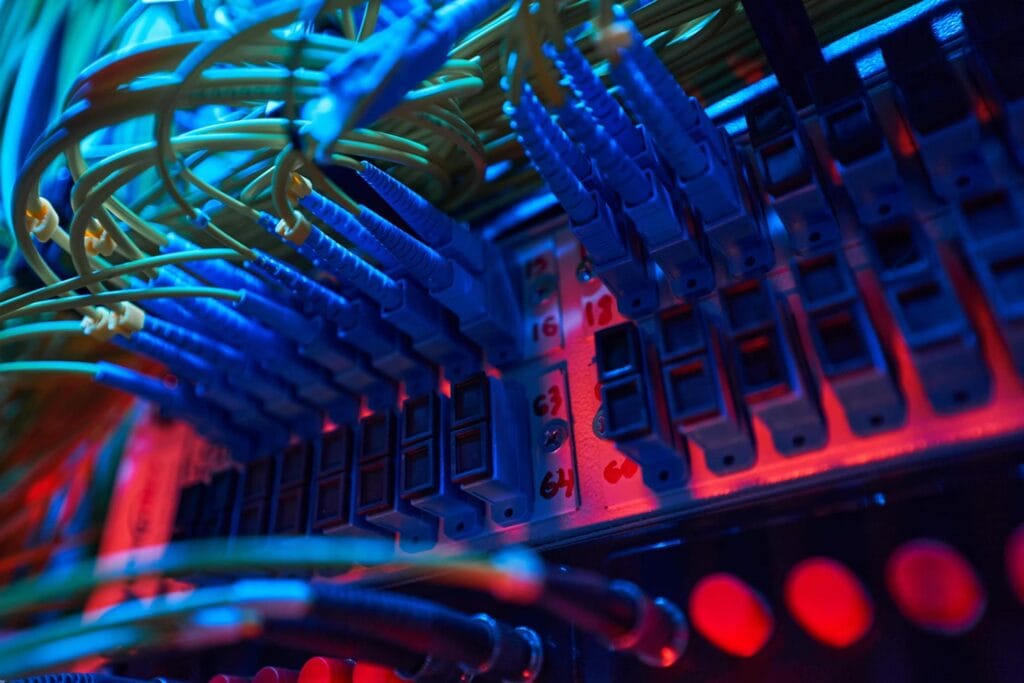
- What they are: A highly secure type that works at the application layer.
- How they work: They act as a go-between for your network and the internet. They can deeply inspect the actual content of the data.
- Analogy: A translator who listens to an entire conversation to ensure no secret codes are being passed.
- Pros: Very secure, good at content filtering.
- Cons: Can slow down network speed, more complex to set up.
4. Next-Generation Firewalls (NGFW)
- What they are: The latest and most advanced type of firewall.
- How they work: They combine all the features of the firewalls above and add even more, like:
- Deep Packet Inspection (DPI): Looking inside the data itself.
- Intrusion Prevention Systems (IPS).
- Awareness of specific applications (e.g., blocking Facebook but allowing Google Workspace).
- Analogy: A super-guard with a lie detector, a database of known criminals, and the ability to understand different languages and apps.
- Pros: The highest level of security and control.
- Cons: Expensive and requires expert knowledge to manage.
Also You can Watch This :
Firewall Comparison Table at a Glance
| Type of Firewall | How it Works | Level of Security | Best For |
|---|---|---|---|
| Packet-Filtering | Checks IP addresses and port numbers | Basic | Small, low-risk networks; initial line of defense |
| Stateful Inspection | Tracks the state of network connections | Good | Most modern home and business networks |
| Proxy Firewall | Acts as an intermediary and inspects content | High | Networks handling highly sensitive data |
| Next-Generation Firewall (NGFW) | Deep packet inspection, app awareness, IPS | Very High | Large enterprises, banks, government organizations |
Frequently Asked Questions (FAQs)
1. Do I need a firewall if I have an antivirus?
Yes, absolutely! They are a team, but they do different jobs. Think of it this way:
- Firewall: A gatekeeper that blocks thieves from entering your castle.
- Antivirus: A guard inside the castle that finds and removes any thief who somehow managed to get in (e.g., through a downloaded file).
You need both for complete protection.
2. Is my Wi-Fi router a firewall?
Yes! Most modern home Wi-Fi routers have a built-in, basic firewall (usually a NAT firewall). It provides a good first layer of defense for your entire home network. However, you should also use the software firewall on your computer for double protection.
3. Can a firewall block all cyber attacks?
No security system is 100% foolproof. A firewall is a critical first line of defense, but it cannot block everything. For example, it can’t stop you from accidentally downloading a virus by clicking a bad link in a phishing email. That’s why you need a combination of a firewall, antivirus, and safe browsing habits.
4. What is the difference between a hardware and software firewall?
- Hardware Firewall: A physical device that protects an entire network (e.g., the router in your home or a dedicated appliance in an office).
- Software Firewall: A program installed on an individual computer (e.g., Windows Defender Firewall). It protects only that specific device.
Conclusion: Your Essential Digital Bodyguard
So, there you have it! A firewall isn’t just a boring tech term; it’s your essential, always-on digital bodyguard. From the simple packet-filtering types to the powerful Next-Generation Firewalls, they all serve one crucial purpose: to keep the bad stuff out and let the good stuff in.
Understanding how a firewall works is the first step to taking control of your digital security. Whether you’re just protecting your personal laptop or managing a large company’s network, a firewall is not an option—it’s a necessity.
We hope this 2026 guide from InsaneNotes.in has made the concept of a firewall in networking crystal clear for you. Stay safe, and keep learning