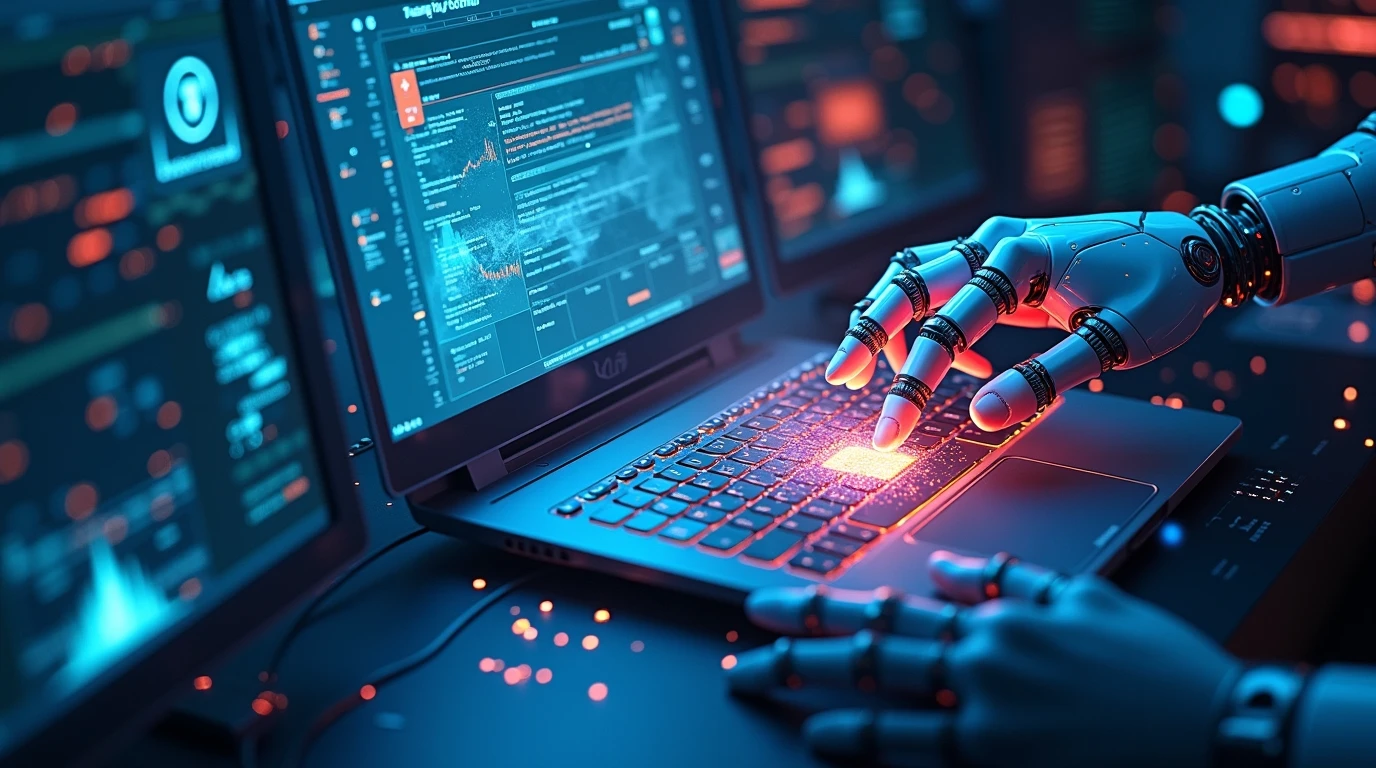
How Artificial Intelligence Is Changing Modern Computers (2026 Edition)
Remember when a computer was just a tool? You told it exactly what to do, and it followed your commands. If it crashed, you had to fix it. If you wanted to find a file, you had to remember where you saved it. Those days are fading fast.
Welcome to the era of the intelligent computer. We’re not just talking about faster processors or more RAM anymore. The biggest change, the real revolution, is happening because of Artificial Intelligence. AI is no longer a futuristic concept; it’s the beating heart of your modern machine, working silently in the background to make your life easier, more creative, and infinitely more efficient.
This isn’t just an upgrade. It’s a complete transformation. In this 2026 guide, we’ll explore how Artificial Intelligence is fundamentally changing what a computer is and what it can do for you.
From Tool to Partner: The Core Shift in Computing
Traditionally, computing was transactional. You input a command, and the computer output a result. The computer had no context, no memory of your preferences, and no ability to anticipate your needs.
Artificial Intelligence is changing this dynamic. Modern computers, infused with AI, are becoming proactive partners. They learn from your behavior, understand your context, and predict your next move. This shift is powered by a combination of specialized hardware and deeply integrated software, creating a seamless and intuitive experience.
Also Read This
Top 10 Hidden HTML Tags Every Beginner Must Know (2026 Guide)
The Engine Room: AI Hardware in Your Laptop
You can’t run advanced AI models on old hardware. That’s why the most significant change starts inside the machine.
1. NPUs: The AI Brain on a Chip
The Central Processing Unit (CPU) is the general manager of your computer, good at handling a wide variety of tasks. The Graphics Processing Unit (GPU) is the creative artist, brilliant at handling multiple tasks at once, which is why it’s great for graphics and complex math.
Now, meet the Neural Processing Unit (NPU). This is a specialized chip designed for one thing: to run AI and machine learning algorithms incredibly efficiently. Think of it as a dedicated “AI brain.”
- What it does: NPUs are optimized for the specific kind of math used in neural networks. They can perform trillions of operations per second (TOPS) with minimal power consumption.
- Why it matters: Because the NPU handles the AI workload, your CPU and GPU are free to handle other tasks. This means your computer can run AI features—like live language translation or photo enhancement—without slowing down or draining your battery. Every major chipmaker, from Intel and AMD to Apple and Qualcomm, now includes powerful NPUs in their latest processors, making AI-powered computing a standard feature.
2. Smarter GPUs and CPUs
It’s not just about NPUs. Modern GPUs and CPUs are also being redesigned with AI in mind. They have new instruction sets and cores that are much better at handling AI-related tasks, making the entire system a cohesive, intelligent unit.
The Intelligent Operating System: Your Proactive Assistant
The hardware is the stage, but the operating system (OS) is the play. Modern OSs like Windows 11 (and its successors), macOS Sequoia and beyond, and various Linux distributions are now AI-powered operating systems.
1. Context-Aware and Predictive Help
Your computer now understands what you’re doing and tries to help.
- Smart File Search: Instead of just searching for a file name, you can search by content or context. You can type, “Find that PDF about quantum physics that Sarah sent me last week,” and your AI assistant will find it.
- Predictive Workflows: If you open your video editing software every day at 4 PM, your computer might pre-load the application or suggest the project you were working on yesterday. If you connect a microphone, it might automatically suggest turning on live captioning.
2. Self-Healing and Optimization
Remember troubleshooting driver issues or a clogged startup folder? AI is putting an end to that.
- Automated Performance Tuning: The OS continuously monitors your system performance. If it notices a background process is hogging resources, it can automatically de-prioritize it to keep your game or video call smooth.
- Proactive Maintenance: It can predict when a driver is becoming unstable and suggest (or even install) a fix before it causes a crash. It can manage storage by automatically offloading old files to the cloud and keeping your system running smoothly.
3. Hyper-Personalization
Your desktop, your app layouts, your color themes—the OS learns your preferences and can adapt the interface to suit your workflow. It might dim the wallpaper and activate “Do Not Disturb” when you start a full-screen presentation, all without you lifting a finger.
AI in Your Everyday Applications
This is where the magic becomes visible to everyone. AI is changing the software we use every day.
1. Creativity Unleashed
- Photo and Video Editing: Tools like Adobe Photoshop and Premiere Pro have AI features that feel like magic. You can remove an object from a photo by simply brushing over it, change the sky in a landscape with one click, or smooth out shaky footage automatically. The computer understands the content of your media.
- Writing and Content Creation: Whether you’re using a dedicated AI writing tool or built-in features in Microsoft Word or Google Docs, you have a co-pilot. It can help you brainstorm ideas, rephrase sentences for clarity, check your tone, and even write entire drafts based on a simple prompt.
2. Coding and Development
For programmers, AI assistants like GitHub Copilot have become indispensable. They suggest entire lines of code, complete functions, and help find bugs. This doesn’t replace the programmer; it supercharges them, handling the boilerplate code so the developer can focus on complex logic and architecture.
3. Communication Reimagined
- Real-Time Translation: In video calls on platforms like Zoom or Microsoft Teams, AI can provide live subtitles and even translate speech from one language to another in real time, breaking down language barriers.
- Smart Composition: Your email client can now suggest full replies based on the email you received. It can also help you craft a professional message from a few bullet points.
Security and Privacy: The AI Guardian
As our lives become more digital, security is paramount. AI is a powerful ally in this fight.
1. Behavioral Threat Detection
Traditional antivirus software relies on databases of known threats. AI-powered security, however, learns what “normal” behavior looks like on your computer. If a program suddenly starts behaving strangely—like trying to encrypt files in the background—the AI can detect this anomaly and stop it instantly, even if it’s a brand new, never-before-seen virus.
2. Smarter Privacy Controls
Your computer’s camera and microphone are potential privacy risks. AI can help manage this by allowing you to set rules. For instance, you can set it so that only specific, trusted apps can access the microphone, and any unauthorized attempt is blocked and flagged.
The Human Factor: Augmentation, Not Replacement
A common fear is that AI will make human skills obsolete. The reality is more nuanced. AI is changing the nature of skills, not eliminating them.
- The Shift from “How” to “What”: Instead of spending hours learning every single filter in a photo editor (the “how”), you can now focus on telling a better visual story (the “what”). The AI handles the technical execution.
- Democratization of Skills: Complex tasks like video editing, data analysis, and even basic coding are becoming accessible to people who aren’t experts. AI acts as a great equalizer, allowing more people to bring their ideas to life.
A Look at the Ecosystem: Traditional vs. AI-Native Computing
The difference between the old and new way is stark. Here’s a quick comparison:
| Feature | Traditional Computing (Pre-AI) | AI-Powered Computing (2026) |
|---|---|---|
| Interaction | Reactive: You command, it obeys. | Proactive: It anticipates your needs. |
| Hardware | Relies on CPU/GPU for all tasks. | Features a dedicated NPU for efficient AI processing. |
| Troubleshooting | Manual: You diagnose and fix problems. | Automated: Self-healing and predictive maintenance. |
| Personalization | Static: You set preferences manually. | Dynamic: The system adapts to your workflow. |
| Security | Signature-based: Defends against known threats. | Behavioral: Detects anomalies and zero-day attacks. |
| Creativity Tools | Manual Tools: You need skill to use them effectively. | Collaborative Partners: AI suggests and executes based on your intent. |
FAQs: How AI is Changing Modern Computers
1. Is all this AI processing done on my computer, or does it need the cloud?
This is a key advancement. For speed, privacy, and reliability, most of the core AI features we’ve discussed are designed to run on-device using the NPU. This means your data (like your documents or photos) doesn’t need to be sent to the cloud, keeping it private and allowing features to work even without an internet connection. More complex tasks might still use the cloud, but the trend is strongly toward local processing.
2. Will AI make my current computer obsolete?
Computers from, say, 2018 that lack a dedicated NPU will struggle to run these new AI features efficiently. They won’t suddenly stop working, but they won’t be able to participate in this new era of intelligent, seamless computing. To experience the full benefits, a modern computer with an NPU is becoming essential.
3. Are there any downsides to AI in computers?
Yes, a few concerns exist. Privacy is a big one—you need to trust how the AI is using your data (hence the importance of on-device processing). Over-reliance is another; we must maintain our own skills and critical thinking. Finally, there’s the potential for bias if the AI models are trained on flawed data.
4. How can I get started with an AI computer today?
Look for laptops and desktops released in late 2023 and beyond. Key things to check for are processors from Intel (Core Ultra series), AMD (Ryzen 7040 series and newer), or Apple (M3 series and newer), all of which include powerful NPUs. The software, like Windows 11 with Copilot+ or the latest macOS, is already waiting to take advantage of this hardware.
Conclusion: The Future is an Intelligent Partnership
The integration of Artificial Intelligence into modern computers is the most significant shift in personal technology since the advent of the internet. We are moving from a world of static tools to a world of dynamic, contextual, and empathetic partners.
Your computer in 2026 is not just a faster calculator or a better typewriter. It’s a collaborator that understands your work style, a guardian that protects your digital life, and a creative muse that helps you execute your vision. This journey is just beginning. As AI continues to evolve, our computers will become even more intuitive, seamlessly blending into our lives and amplifying our human potential in ways we are only starting to imagine.
The question is no longer if your computer is smart, but how you will choose to collaborate with its new intelligence.