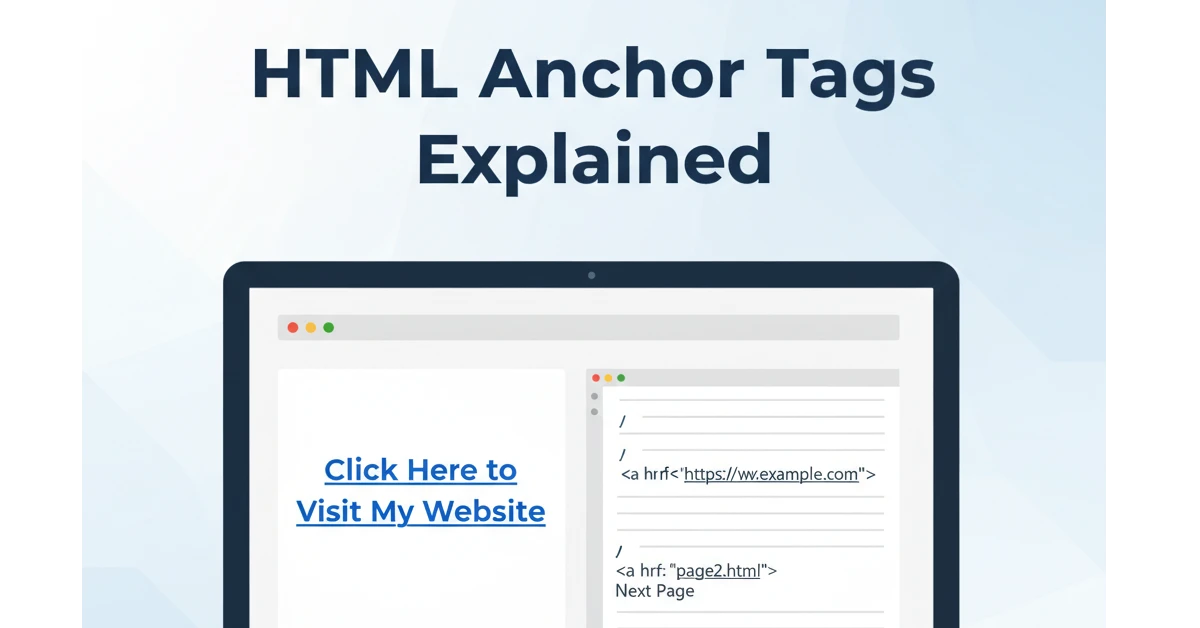
HTML Anchor Tags Explained: How to Use the Tag for Links (2026 Guide)
HTML is the language we use to make web pages. One very important part of HTML is the anchor tag, also called the <a> tag.
This little tag helps us create links so people can click and go to another page, website, or file.
In this simple guide, you will learn what the anchor tag is and how to use it easily.
What Is an Anchor Tag?
The anchor tag is written like this:
<a> </a>
It is used to create a hyperlink.
A hyperlink is a blue, clickable text that takes you somewhere else on the internet.
It is like a door to another page.
Also Read This
Types of Cables in Networking (2026): Complete Guide with Examples & Uses
How to Make a Simple Link
To make a link, we use the href attribute.<strong>href</strong> tells the browser where the link should go.
Example:
<a href="https://google.com">Go to Google</a>
When someone clicks Go to Google, the browser opens Google’s website.
Opening a Link in a New Tab
If you want the link to open in a new tab, add:
target="_blank"
Example:
<a href="https://youtube.com" target="_blank">Open YouTube</a>
Now, YouTube will open in a new tab.
Linking to Another Page on Your Website
You can also link to pages inside your own website.
Example:
<a href="contact.html">Contact Us</a>
This will open the contact.html page.
Linking to a Section on the Same Page
We can jump to a part of the same page using id.
Example:
<a href="#about">Go to About Section</a>

<h2 id="about">About Us</h2>
When someone clicks the link, it scrolls to the About Us section.
Link Colors
By default:
- Normal link → blue
- Visited link → purple
- Hover link → changes when mouse is over it
These colors help readers understand where they clicked before.
Why Anchor Tags Are Important?
- They help people move between pages
- They make websites easy to explore
- They connect information
- They are simple and powerful
Without anchor tags, the web would feel like a big map with no roads!
Also Read This
Difference Between var let and const in JavaScript (With Examples 2026)
FAQs
1. What does <a> mean?
It means anchor. It creates links.
2. What is href?
It tells the browser where the link should go.
3. Can I open a link in a new tab?
Yes! Use target="_blank".
4. Why are links blue?
Because browsers show links in blue by default.
5. Can I link to pictures or files?
Yes! You can link to images, PDFs, videos, and more.