HTML Marquee Tag Explained: Create Scrolling Text Easily
Remember the early days of the internet? Websites were bursting with personality—animated GIFs, glowing text, and of course, words that slid, bounced, and scrolled across the screen. It was a digital playground! The magic behind a lot of that movement was a simple, powerful, and incredibly fun HTML element called the marquee tag.
Maybe you’re building your first website and want to add a dynamic touch. Or perhaps you’ve seen this tag in an old website’s code and were curious. Whatever your reason, you’ve come to the right place.
This complete beginner’s guide will walk you through everything you need to know about the HTML marquee tag. We’ll explore what it is, how to use its various attributes, and why, despite its simplicity, it has fallen out of favor with modern web developers. We’ll also equip you with a better, modern alternative using CSS.
So, let’s dive into this nostalgic piece of web history and learn how you can create scrolling text easily on your own web pages!
Also Read This
Types of Cables in Networking (2026): Complete Guide with Examples & Uses
What Exactly is the HTML Marquee Tag?

Think of the HTML marquee tag as a mini conveyor belt or a news ticker strip for your content. You wrap this tag around any text or image, and like magic, it starts moving. It’s a non-standard HTML element that was introduced by Microsoft in Internet Explorer and later adopted by other browsers due to its popularity.
The most basic use of the marquee tag is straightforward. You don’t need any special programming skills. Here’s the simplest code you can write:
<marquee>Welcome to my awesome website!</marquee>
Just type the opening <marquee> tag, add your message, and close it with the </marquee> tag. When you load this in a web browser, the text “Welcome to my awesome website!” will smoothly scroll from the right edge of the screen to the left, in a continuous loop.
It’s that easy! This simplicity is what made the marquee tag so popular among beginners learning to code in the 1990s and early 2000s.
Why Was the Marquee Tag So Popular?
Before we get into the technical details, it’s important to understand the context. In the early web, there were very few tools to make a website feel “alive.” There was no CSS animations, and JavaScript was complex and not universally supported.
The HTML marquee tag was a gift. It allowed anyone with basic HTML knowledge to add movement and attention-grabbing effects instantly. It was used for:
- Important announcements: “Sale Live Now!”
- Welcome messages: “Hello, Visitor!”
- Headline tickers: Simulating a news channel.
- Just for fun: Because moving text was undeniably cool at the time.
Its plug-and-play nature, requiring zero additional coding languages, cemented its place in the heart of many early web developers.
Also Read This
Difference Between var let and const in JavaScript (With Examples 2026)
A Deep Dive into Marquee Tag Attributes
The basic scrolling text is just the beginning. The real power of the HTML marquee tag comes from its “attributes.” Attributes are special words inside the opening tag that control the tag’s behavior. They let you change the direction, speed, and style of the scroll.
Let’s break down the most common and useful attributes.
1. The direction Attribute: Control the Flow
By default, the marquee scrolls from right to left. But what if you want your text to move up, down, or even from left to right? The direction attribute is your best friend here.
It can take four values: left, right, up, and down.
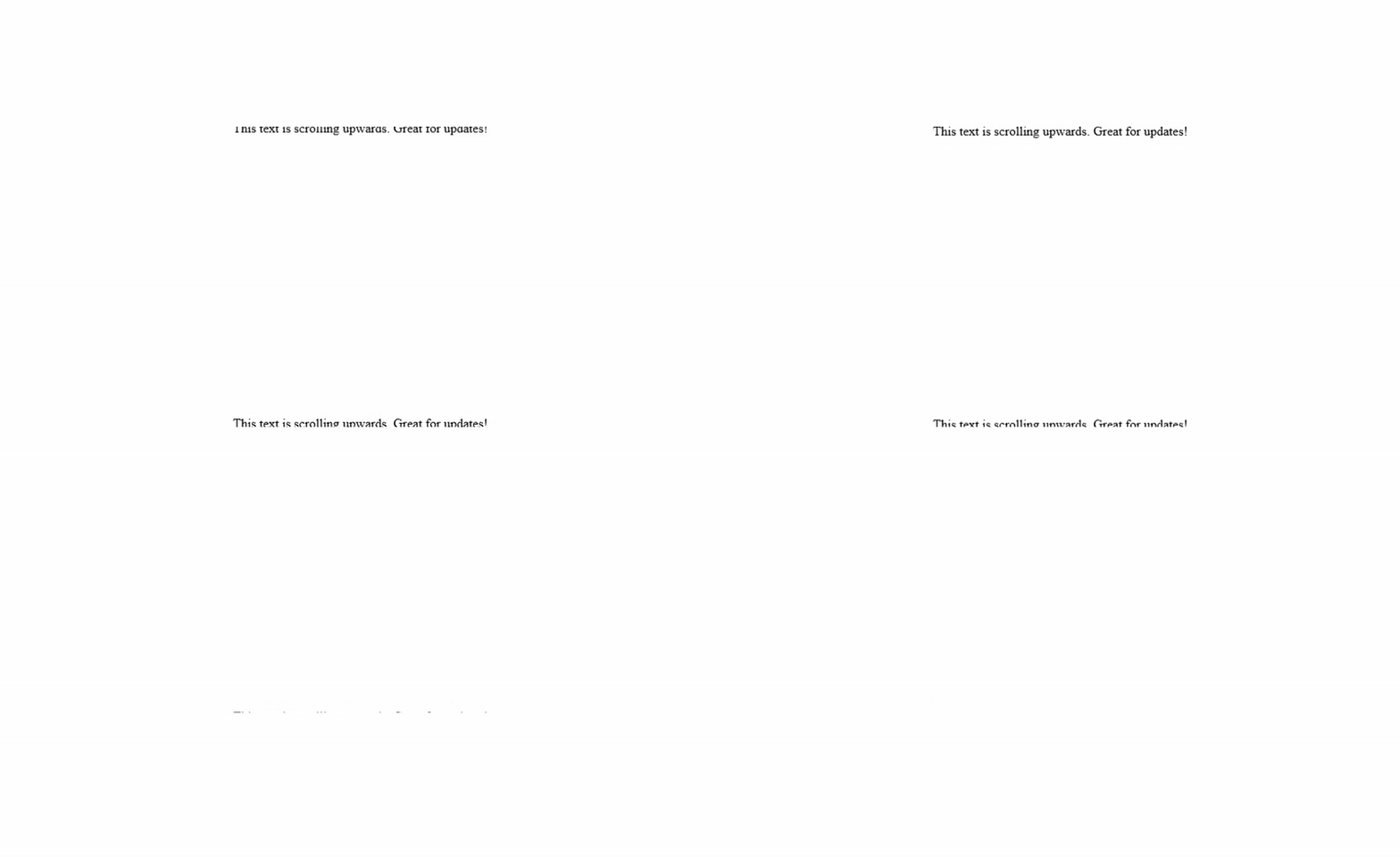
Example 1: Scrolling Up
This is perfect for a vertical news feed or a credits section.
<marquee direction="up">This text is scrolling upwards. Great for updates!</marquee>
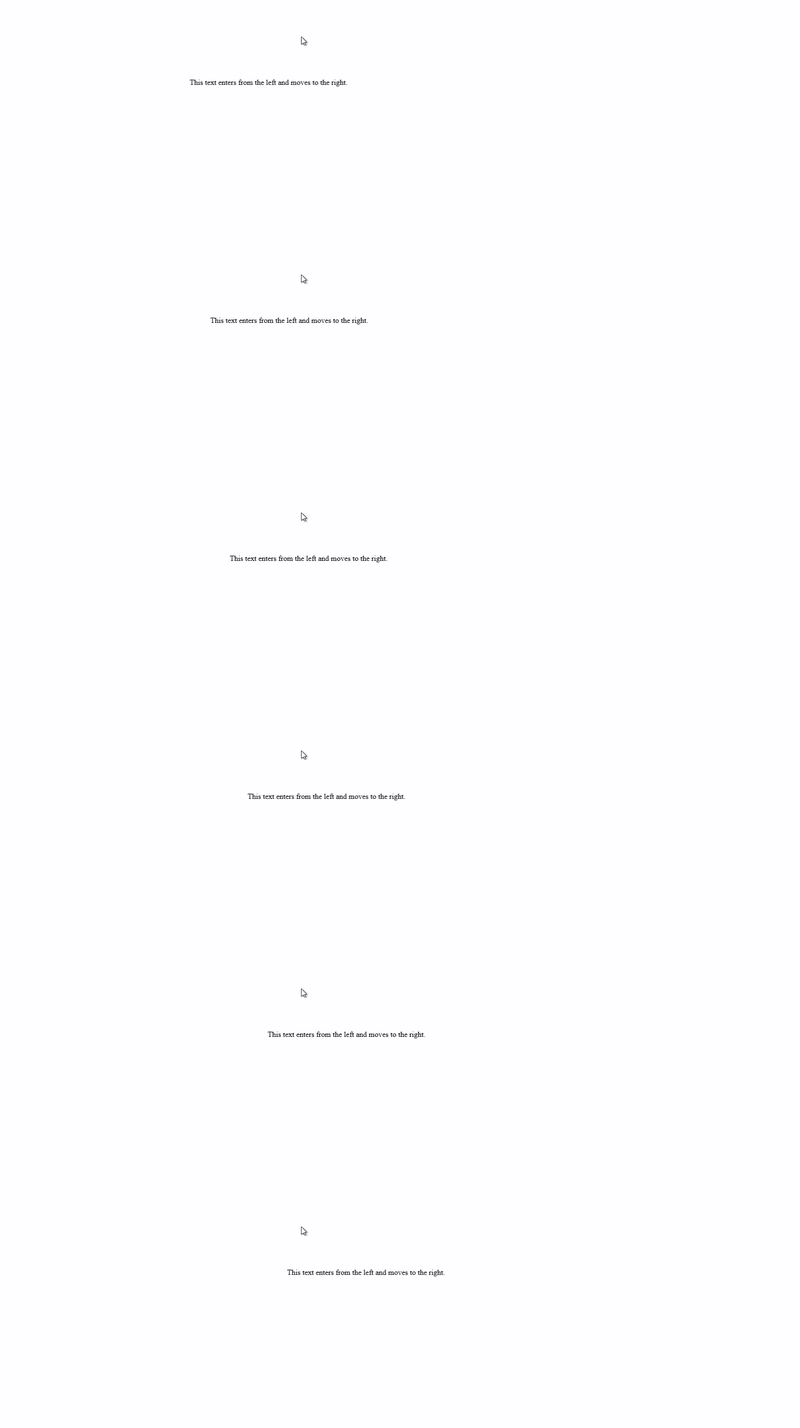
Example 2: Scrolling to the Right
<marquee direction="right">This text enters from the left and moves to the right.</marquee>
2. The behavior Attribute: Change the Scroll Style
Not all scrolling is the same. Sometimes you want the text to bounce, and other times you want it to slide in and stop. The behavior attribute lets you choose the animation type.
It has three main values: scroll, slide, and alternate.
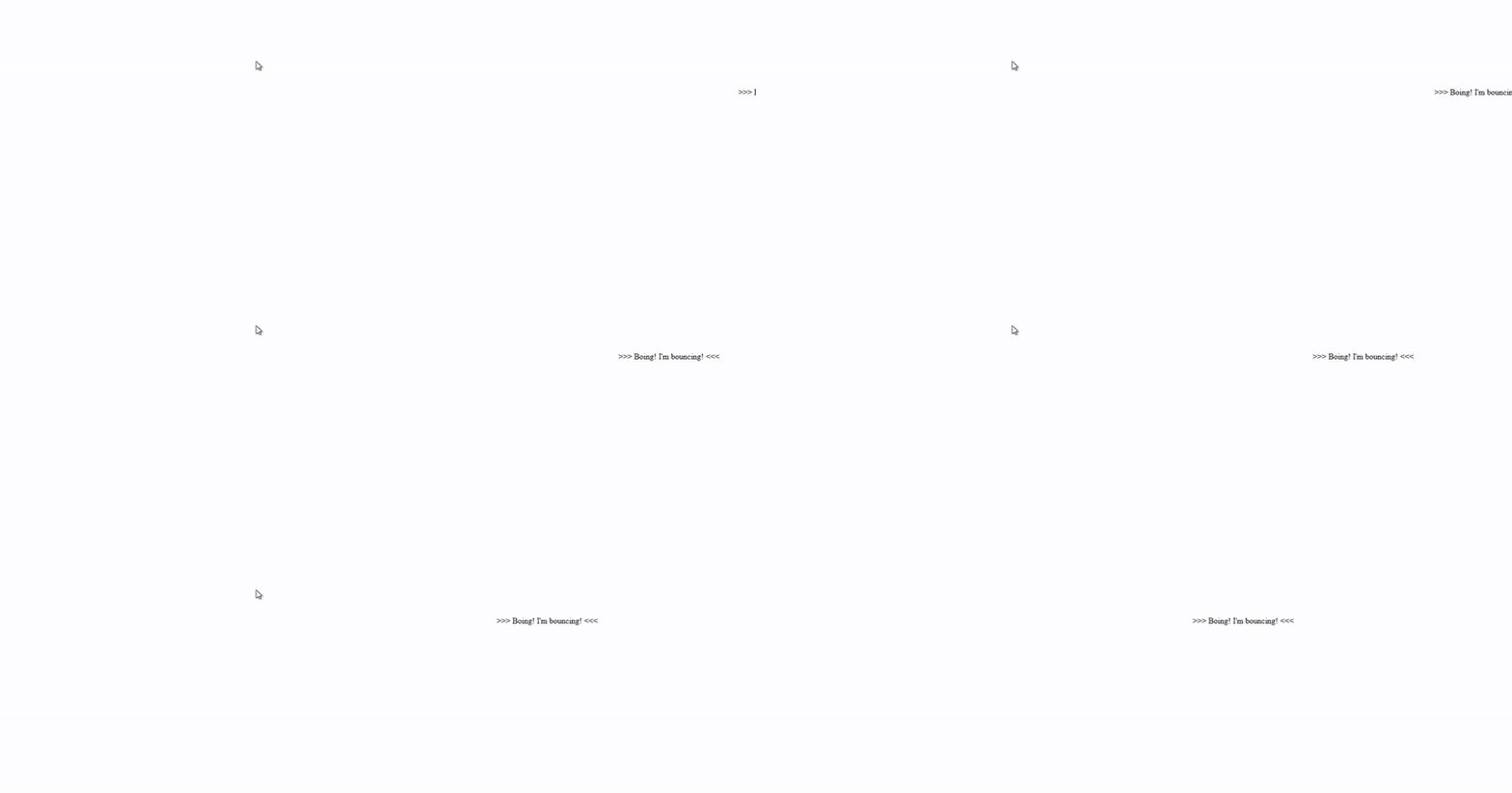
behavior="scroll": This is the default. The text scrolls in from one side, completely goes across, and starts again.behavior="slide": The text scrolls in and stops as soon as it touches the opposite edge. It’s a one-time animation.behavior="alternate": This creates a bouncing effect. The text reaches one edge and then scrolls back in the opposite direction.
Example: Creating a Bouncing Text
<marquee behavior="alternate">>>> Boing! I'm bouncing! <<<</marquee>
3. The scrollamount Attribute: Setting the Speed
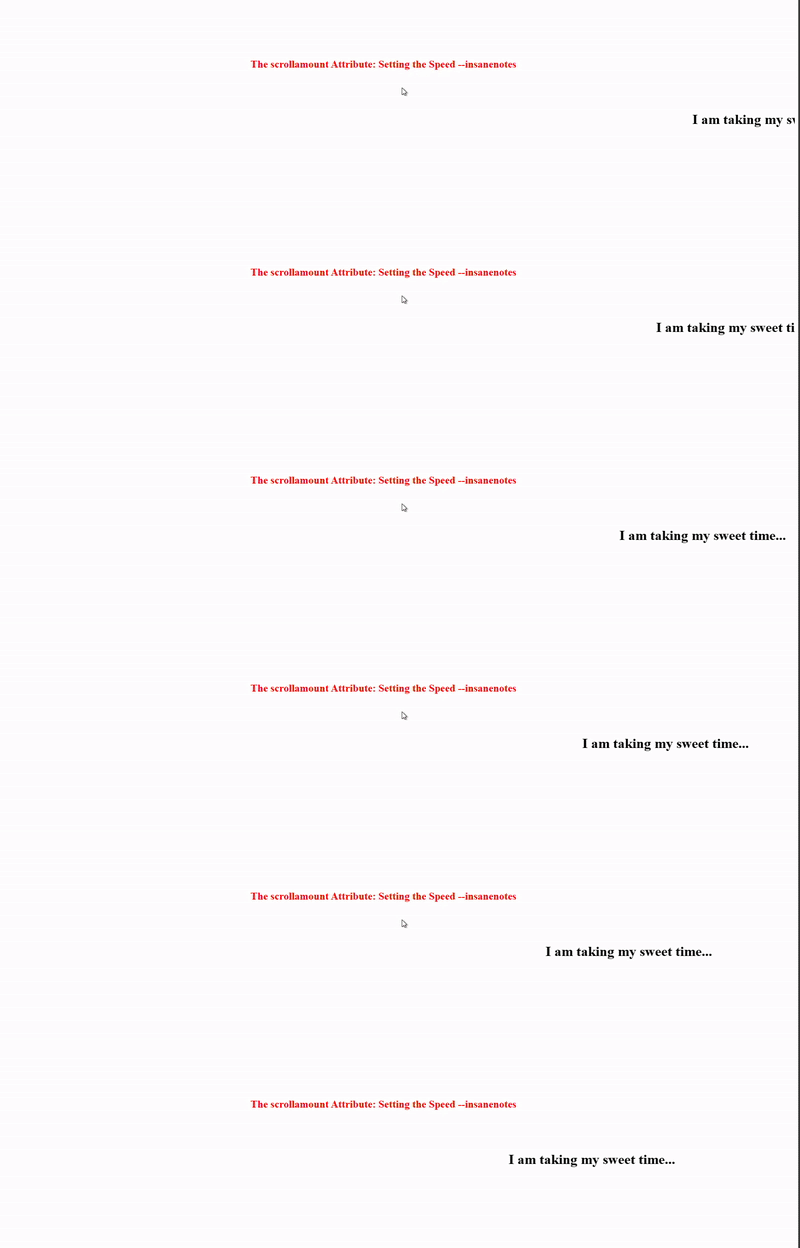
Is your text moving too slow or too fast? The scrollamount attribute controls the speed of the scroll. The value is a number, and a higher number means a faster scroll.
Example: Super Fast Scroll
<marquee scrollamount="15">Zoom! I am scrolling really fast!</marquee>

Example: Slow and Smooth Scroll
<marquee scrollamount="2">I am taking my sweet time...</marquee>
4. The loop Attribute: How Many Times to Repeat?
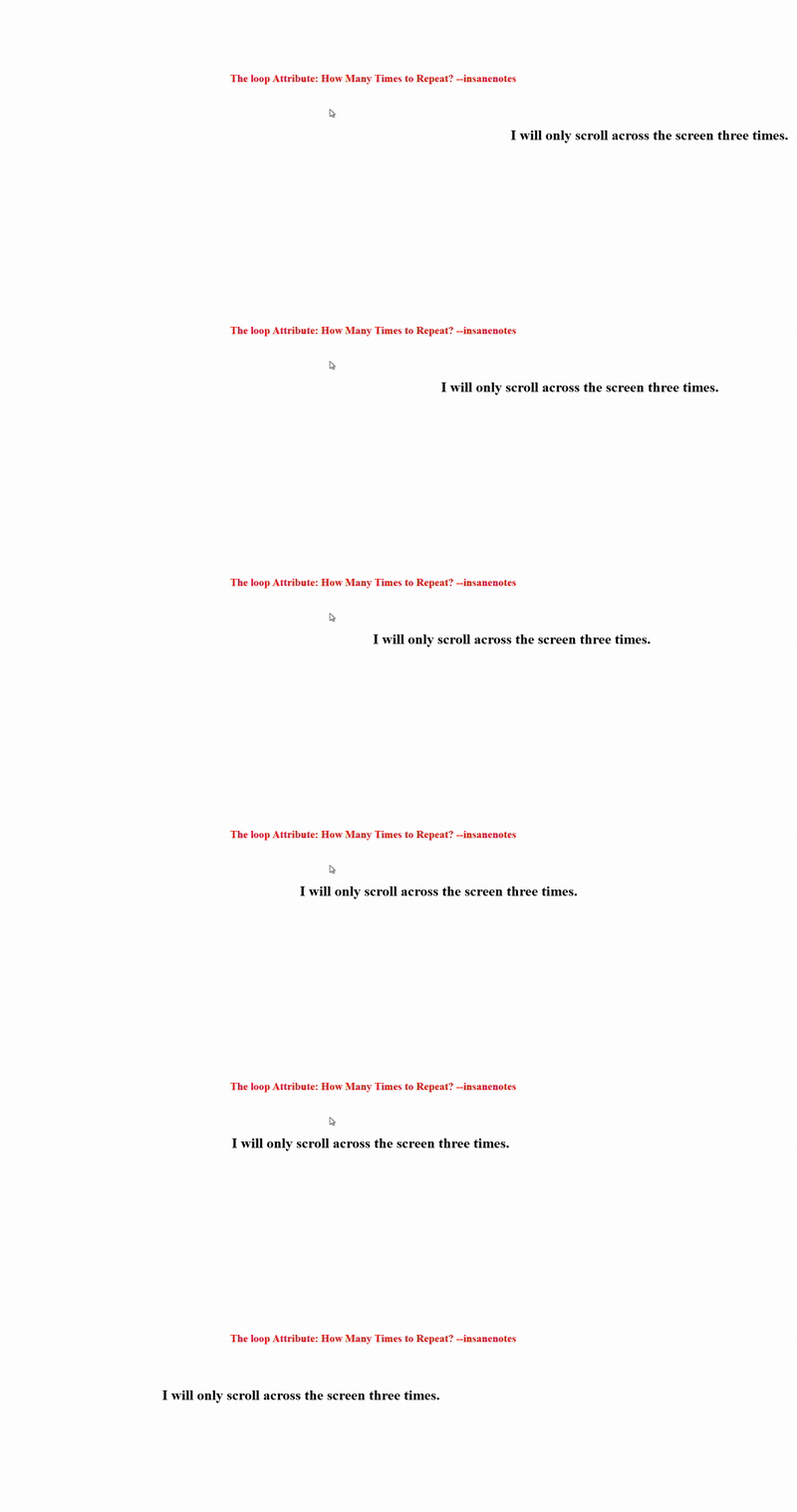
Do you want your animation to run forever, or just a few times? The loop attribute controls the number of repetitions.
loop="-1"orloop="infinite": The animation repeats forever.loop="5": The animation will complete 5 cycles and then stop.
Example: Running Three Times
<marquee loop="3">I will only scroll across the screen three times.</marquee>
Putting It All Together: A Practical Example
Now, let’s combine all these attributes to create a sophisticated marquee. Let’s say we want a “Breaking News” ticker that scrolls from left to right, at a medium speed, and bounces back and forth forever.
Here’s the code we would use:
<marquee behavior="alternate" direction="right" scrollamount="6" loop="-1">
    🚨 Breaking News: The HTML Marquee tag is a fun tool to learn! 🚨
</marquee>

This single line of code creates a dynamic, eye-catching news ticker that would have been all the rage on a 2005 webpage.
Can You Put Images in a Marquee?
Absolutely! The HTML marquee tag isn’t just for text. You can place any inline content inside it, including images. This was commonly used to create a scrolling gallery of logos or photos.
Example: Scrolling Images
<marquee behavior="alternate" scrollamount="5">
    <img src="image1.jpg" height="80" alt="Photo 1">
    <img src="image2.jpg" height="80" alt="Photo 2">
    <img src="image3.jpg" height="80" alt="Photo 3">
</marquee>
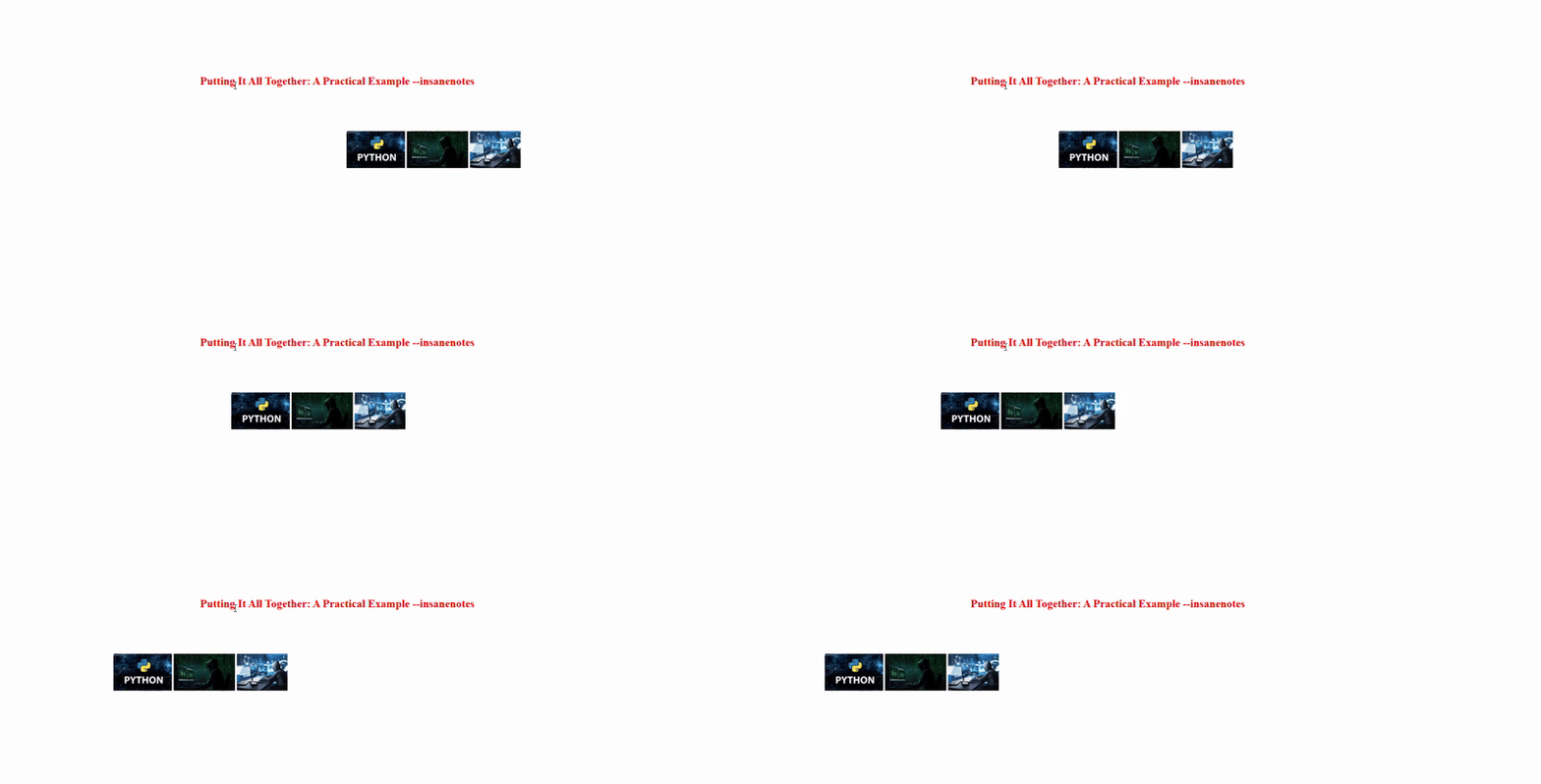
This code would create a row of three images that bounce back and forth horizontally.
Also Read This
Types of Cables in Networking (2026): Complete Guide with Examples & Uses
The Other Side of the Coin: Why the Marquee Tag is No Longer Recommended
As fun and easy as the HTML marquee tag is, it comes with significant drawbacks. This is why you don’t see it on professional, modern websites like Google, Facebook, or Amazon.
Here’s a detailed comparison of its pros and cons:
| The Good (Pros) | The Not-So-Good (Cons) |
|---|---|
| ✅ Extremely Easy to Use: Perfect for absolute beginners. Zero knowledge of CSS or JavaScript is required. | ❌ Officially Obsolete: The marquee tag is not a part of the official HTML standard. It’s deprecated. |
| ✅ Immediate Gratification: You see the moving text effect instantly after writing one line of code. | ❌ Poor User Experience: Moving elements can be distracting and annoying, making it hard for visitors to focus on your main content. |
| ✅ Broad Browser Support (for now): It still works in most current browsers like Chrome, Firefox, and Safari, but this is not guaranteed in the future. | ❌ Bad for Accessibility: Screen readers, used by visually impaired individuals, often struggle to read content inside a marquee. This creates a major accessibility barrier. |
| ✅ A Fun Learning Tool: It’s a great way to see how HTML attributes can change behavior, sparking interest in web development. | ❌ Negative SEO Impact: Search engines like Google prioritize websites that offer a good user experience. Using deprecated tags and creating annoying content can hurt your search rankings. |
| ❌ No Control Over Performance: The marquee effect can be janky and consume unnecessary system resources on older devices, unlike modern CSS animations which are optimized by browsers. |
The core issue is that the HTML marquee tag is a relic from a time when design often trumped usability and accessibility. Today, the web is built for everyone, and best practices emphasize clean, semantic, and accessible code.
Also Read This:)
Best 10 AI Tools for Coding in 2026 – Write Code Faster with Artificial Intelligence
The Modern Way: Creating Scrolling Text with CSS
So, if we shouldn’t use the marquee tag, how do we create scrolling text today? The answer is with CSS animations. CSS (Cascading Style Sheets) is the language used to style and animate modern websites.
While CSS code looks more complex, it is far more powerful, flexible, and professional. Let’s recreate the classic horizontal scroll using CSS.
Step-by-Step CSS Scrolling Text Tutorial
Here’s how you can achieve a smooth, continuous horizontal scroll.
Step 1: The HTML Structure
We use a simple <div> with a class name, so we can target it with our CSS.
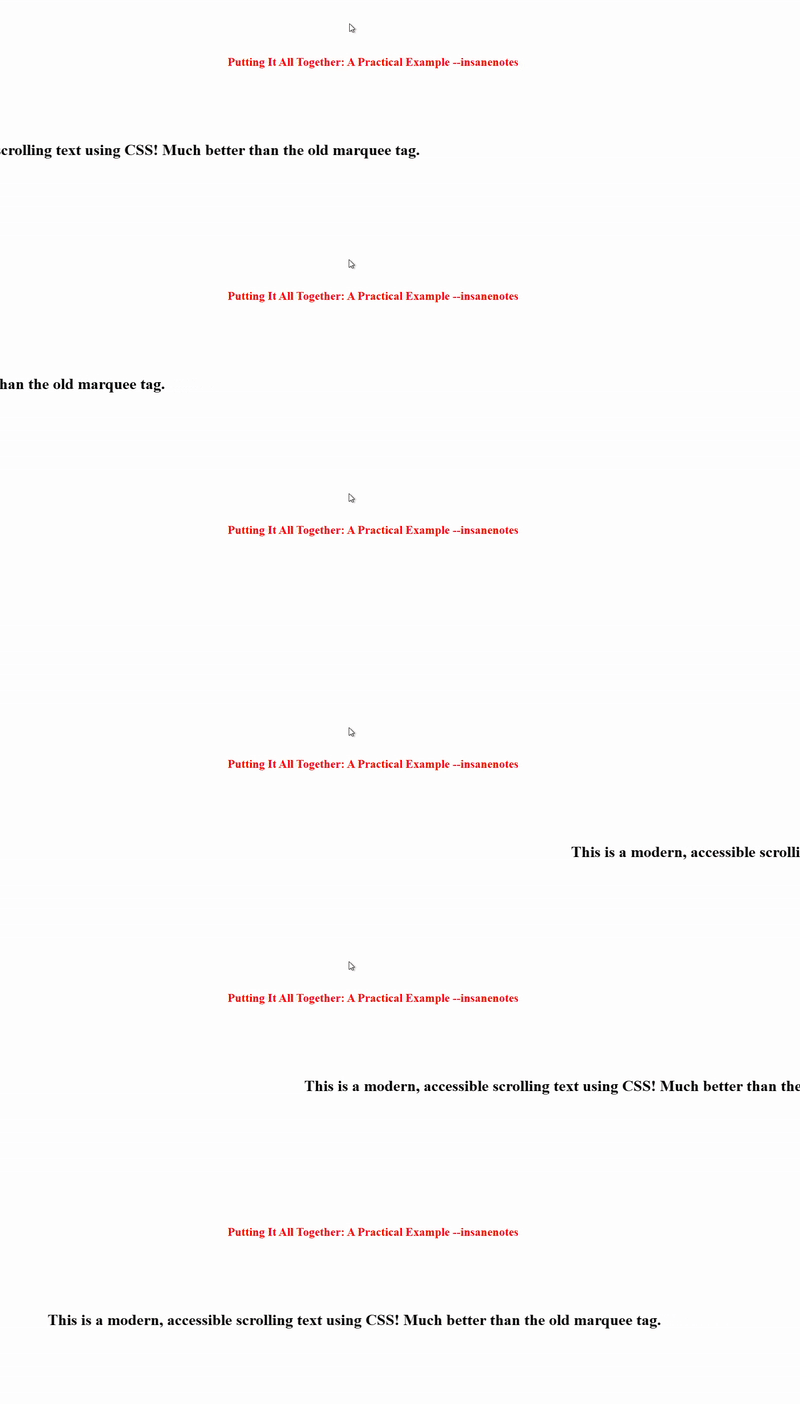
<div class="modern-scroll">
    <p>This is a modern, accessible scrolling text using CSS! Much better than the old marquee tag.</p>
</div>
Step 2: The CSS Styling and Animation
This is the code that goes into your CSS file or inside a <style> tag in your HTML header.
<style>
.modern-scroll {
    width: 100%; /* Take the full width of the screen */
    overflow: hidden; /* Hide anything that scrolls outside the box */
    white-space: nowrap; /* Keep the text in a single line */
    box-sizing: border-box;
}

.modern-scroll p {
    display: inline-block;
    padding-left: 100%; /* Start the text off-screen */
    animation: scroll 15s linear infinite; /* The magic happens here */
}

/* This defines the actual scrolling animation */
@keyframes scroll {
    from {
        transform: translateX(0); /* Start with the text off-screen to the right */
    }
    to {
        transform: translateX(-100%); /* Move it to the left by its own width */
    }
}
</style>
How This CSS Code Works:
.modern-scroll: This container is set tooverflow: hiddenwhich acts like a window, only showing the part of the text that is currently inside it..modern-scroll p: The paragraph inside is forced to stay on one line withwhite-space: nowrap. Thepadding-left: 100%pushes the starting position of the text all the way to the right, so it begins off-screen.animation:This is a shorthand property. It tells the browser to use thescrollanimation, make it last 15 seconds, use a consistent speed (linear), and repeat forever (infinite).@keyframes scroll: This defines the animation itself. It moves the text from its initial position0to a position-100%to the left, creating the scrolling effect.
This method is the professional standard. It gives you full control over timing, easing (speed curves), and responsiveness, and it is far more accessible than the old HTML marquee tag.
Also Read This
Top 10 High Salary AI Jobs in 2025 | Best Artificial Intelligence Career Options”
FAQs: Your Marquee Tag Questions Answered
1. Is the HTML marquee tag still supported in modern browsers in 2026?
Yes, as of 2026, most major browsers still support the marquee tag for backward compatibility with old websites. However, it is officially deprecated and obsolete. This means browser support could be removed at any time in a future update, and you should not rely on it for new projects.
2. For a brand new website in 2026, should I use the marquee tag?
No, it is strongly recommended that you avoid it. Using the marquee tag is considered a bad practice. For a professional, accessible, and search-engine-friendly website, you should always use CSS animations to create scrolling effects.
3. Can I make the marquee start scrolling only when the user hovers over it?
Yes, you can! This was a common trick to make the marquee less intrusive. You would need to use a small bit of JavaScript to control the start() and stop() methods of the marquee. However, since the tag itself is obsolete, learning this is not a good use of your time compared to learning CSS hover animations.
4. Why is the marquee tag considered bad for accessibility?
The constant movement can be problematic for people with cognitive disabilities, such as ADHD, as it can be a significant distraction. Furthermore, screen readers may not announce the content correctly, or may announce it repeatedly as it loops, making the website unusable for visually impaired users.
5. Are there any valid uses for the marquee tag today?
The only potential valid use is in a controlled, nostalgic, or artistic project where you are intentionally trying to recreate the aesthetic of the 1990s web. Even then, you should consider the accessibility implications and provide a way for users to pause the animation.
Also Read This 🙂
Why Python Is the Best Language for Machine Learning (2026 Guide)
Conclusion: A Fond Farewell to a Classic Tag
Learning about the HTML marquee tag is like opening a time capsule. It’s a delightful piece of internet history that showcases the creative, if not always elegant, spirit of the early web. It remains a fantastic tool for complete beginners to experience the immediate joy of making something happen on a screen with just one line of code.
It teaches core concepts like HTML tags, attributes, and their impact on content. For that, it will always have a place in our hearts.
However, the web has grown up. Today, we prioritize user experience, accessibility, and clean code. The HTML marquee tag simply doesn’t fit into that modern philosophy. While you should understand how it works, for your real projects, you should graduate to the powerful and professional world of CSS animations.
So, go ahead and play with the marquee tag on a personal practice page! Enjoy the nostalgia. But when you’re ready to build something for the world, use the modern CSS techniques. It’s the mark of a true web developer.
Did you ever use the marquee tag back in the day? What was the first thing you made scroll? Share your memories and creations in the comments below on InsaneNotes.in