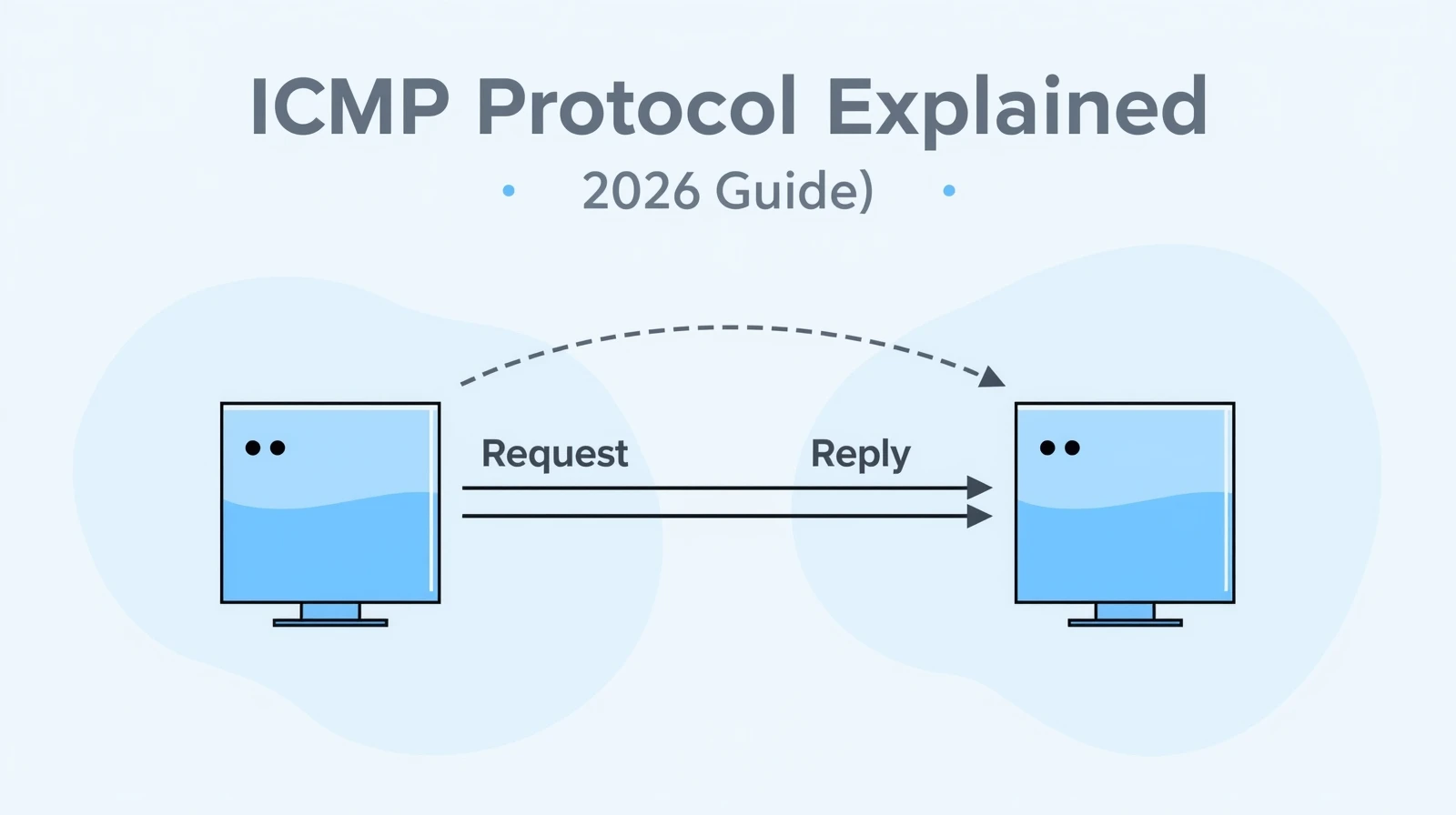
ICMP Protocol Explained: Functions, Types, and Uses in Networking (2026 Guide)
Hey there, welcome to InsaneNotes.in!
Imagine you’re sending a physical letter to a friend. You drop it in the mailbox, and a few days later, you get a notice back. It says, “Address Unknown – Return to Sender.” That notice didn’t carry your original message, but it gave you crucial information about the delivery of your letter.
In the world of computer networking, the ICMP Protocol is exactly that—the system for sending these vital delivery reports and error messages.
You might not have heard of the ICMP Protocol before, but you’ve almost certainly used it. Every time you check if a website is “down” or you run a ping command to test your connection, you’re using the ICMP Protocol.
In this friendly guide, we’re going to break down everything about the Internet Control Message Protocol. We’ll explain what it is, how it works, its different types of messages, and why it’s the unsung hero that keeps the internet running smoothly. Let’s dive in!
What is the ICMP Protocol? The Internet’s Messenger
Let’s start with a simple, clear definition.
The ICMP Protocol, which stands for Internet Control Message Protocol, is a network layer protocol used by network devices, like routers and hosts, to communicate error messages and operational information back to the source of a message.
Think of it this way:
- The Internet: A massive highway system for data packets.
- Routers and Servers: The traffic cops and intersections on that highway.
- The ICMP Protocol: The walkie-talkie system the traffic cops use to report problems like “Road Closed Ahead!” or “Your truck took a wrong turn!”
The key thing to remember is that ICMP is not used to send actual user data. You don’t send an email or load a webpage using ICMP. Instead, it’s a supporting protocol that helps manage the flow of that data. It’s all about control and messages, just like its name says.
The Core Functions of the ICMP Protocol: What Does It Actually Do?
So, what is the main job of this digital messenger? The functions of the ICMP Protocol can be boiled down to a few critical tasks.
1. Error Reporting: The Problem Announcer
The primary role of the ICMP Protocol is to report errors when the delivery of a data packet fails. It’s like a callback service that tells your computer, “Hey, that thing you sent? It didn’t make it.”
Common errors it reports include:
- Destination Unreachable: The target device or network can’t be found or contacted.
- Time Exceeded: A packet took too long to reach its destination and was discarded.
- Redirect: Informs a host of a better, more efficient route to a destination.
2. Network Diagnostics and Troubleshooting: The Network Doctor
This is the part of the ICMP Protocol that you interact with most directly. It provides the foundation for essential network troubleshooting tools. System administrators and even regular users rely on ICMP to check the “health” of a network connection.
3. Reachability Testing: The “Are You There?” Check
At its simplest, the ICMP Protocol is used to check if another device on the network is alive and reachable. The famous ping command is a perfect example of this function in action.
How the ICMP Protocol Works: A Simple Story
Let’s tie the functions together with a simple story to understand the working of the ICMP Protocol.
Imagine your computer (IP: 192.168.1.10) wants to send a data packet to a web server (IP: 8.8.8.8).
- The Journey Begins: Your computer sends the data packet out onto the network. It hops through several routers.
- A Problem Occurs: At one router, it discovers that the next part of the path to
8.8.8.8is down. The router cannot forward the packet. - ICMP Springs into Action: The router does not just throw your packet away. Instead, it creates a new packet using the ICMP Protocol. This ICMP packet contains:
- Type: 3 (which means “Destination Unreachable”)
- Code: 1 (which means “Host Unreachable”)
- The Original Packet’s Header: A copy of the first part of your original packet, so your computer knows which message failed.
- The Message is Sent Back: The router sends this ICMP error message back to your computer’s IP address (
192.168.1.10). - You Get the News: Your computer receives the ICMP message. Now, instead of waiting forever, it knows the delivery failed and can inform you or the application you were using.
This entire process happens behind the scenes in milliseconds, ensuring the network can efficiently report problems without carrying user data.
Common ICMP Message Types and Their Meanings
The ICMP Protocol uses a system of “Types” and “Codes” to specify exactly what kind of message is being sent. Here are some of the most common and important ICMP message types you should know.
1. Echo Request (Type 8) & Echo Reply (Type 0) – The “Ping”
This is the most famous use of the ICMP Protocol.
- Echo Request (Type 8): This is a message that says, “Hello, are you there?” It’s what the
pingcommand sends. - Echo Reply (Type 0): This is the response, “Yes, I’m here!” It’s what the target device sends back.
Use Case: The ping tool uses these two messages to measure round-trip time and check if a host is online.
2. Destination Unreachable (Type 3) – The “Can’t Deliver” Notice
This is a category of errors. The “Code” field gives more specific details.
- Code 0: Network Unreachable – The router doesn’t know how to reach the entire network.
- Code 1: Host Unreachable – The network is reachable, but the specific host is not (e.g., it’s turned off).
- Code 3: Port Unreachable – The host is reachable, but the specific application/service (port) you’re trying to contact is not running.
3. Time Exceeded (Type 11) – The “Lost in Transit” Message
This message is crucial for another famous tool: traceroute.
- Code 0: Time to Live Exceeded in Transit – Every IP packet has a “Time to Live” (TTL) value, which decreases by one at each router. If it reaches zero, the router discards the packet and sends back this ICMP message.
- Code 1: Fragment Reassembly Time Exceeded – The sender took too long to send all the pieces of a fragmented packet.
4. Source Quench (Type 4) – The “Slow Down!” Signal
(This is now largely obsolete but is part of ICMP’s history). It was used to tell a sender to slow down its transmission rate because the receiver or a router was getting overwhelmed with traffic.
5. Redirect (Type 5) – The “Take This Shortcut” Tip
A router sends this to a host on its local network to say, “Hey, I see you’re sending traffic for a specific destination. There’s a better router you should use for that. Send your future packets there instead.”
ICMP in Action: Understanding Ping and Traceroute
Now that we know the ICMP message types, let’s see how they power the most common network tools.
How Ping Uses the ICMP Protocol
The ping command is a simple reachability test.
- Your computer creates an ICMP Echo Request (Type 8) packet and sends it to the target IP address.
- If the target is online and allows ICMP, it responds with an ICMP Echo Reply (Type 0).
- Your computer calculates the time between sending the request and receiving the reply, giving you the “latency” or “ping time.”
Example: ping google.com
How Traceroute Uses the ICMP Protocol
The traceroute (or tracert on Windows) command is a brilliant use of the ICMP Protocol to map the path your data takes.
traceroutesends out a series of packets with the TTL (Time to Live) value set to 1.- The first router on the path receives the packet, decrements the TTL to 0, discards it, and sends back an ICMP Time Exceeded (Type 11) message to your computer.
- Your computer now knows the address of the first router.
- It then sends a new packet with a TTL of 2. This packet makes it to the second router, which sends back another ICMP Time Exceeded message.
- This process repeats, building a hop-by-hop list of all routers in the path until the final destination is reached.
Example: traceroute google.com
A Quick Guide to Common ICMP Types and Codes
| ICMP Message Type | Type Number | Common Codes | What It Means |
|---|---|---|---|
| Echo Reply | 0 | 0 | Response to a Ping request. “I’m here!” |
| Destination Unreachable | 3 | 0 (Net Unreachable), 1 (Host Unreachable), 3 (Port Unreachable) | The packet could not be delivered to its final destination. |
| Source Quench | 4 | 0 | A request for the sender to slow down (obsolete). |
| Redirect | 5 | 0 | Informs a host of a better route. |
| Echo Request | 8 | 0 | The “Ping” message. “Are you there?” |
| Time Exceeded | 11 | 0 (TTL Exceeded) | A packet was discarded because its TTL reached zero. |
The Uses and Importance of ICMP in Modern Networking
Why is this protocol still so crucial in 2026 and beyond?
- Essential for Network Troubleshooting: It’s the first tool in a network administrator’s kit. Without ICMP, diagnosing network issues would be like finding a needle in a haystack with your eyes closed.
- Maintains Network Efficiency: By providing error feedback, ICMP helps systems adapt. For example, if a path is down, a sending system might try an alternative route.
- Foundation for Network Management: Complex network monitoring systems heavily rely on ICMP to check the status of thousands of devices automatically.
Frequently Asked Questions (FAQs)
1. Is ICMP a transport layer protocol like TCP or UDP?
No. This is a common point of confusion. TCP and UDP are Transport Layer protocols responsible for end-to-end communication between applications. The ICMP Protocol is a Network Layer protocol, just like IP. It’s actually considered an integral part of IP, even though it sits on top of it. It doesn’t carry application data; it carries control messages about the network itself.
2. Can ICMP be a security risk?
Yes, unfortunately. While incredibly useful, the ICMP Protocol can be misused for attacks. A common one is a Ping Flood (ICMP Flood), where an attacker overwhelms a target with so many Echo Request packets that it runs out of resources. This is a type of Denial-of-Service (DoS) attack. Because of this, many firewalls are configured to block certain types of ICMP traffic.
3. Why do some pings fail even if the website is up?
This is usually because of a firewall. A system administrator might configure their firewall to block ICMP Echo Request packets for security reasons. The server itself is up and running, and you can access its website (via TCP port 80), but it is “silent” and not responding to your pings. Don’t always assume a failed ping means a host is down!
4. What’s the difference between Ping and Traceroute?
Both use the ICMP Protocol, but for different purposes:
- Ping tells you if a host is reachable and how long it takes to get there and back.
- Traceroute tells you the path your packets take to reach the host, showing you every hop along the way.
Conclusion: The Invisible Helper of the Internet
So, there you have it! The ICMP Protocol might work behind the scenes, but it is absolutely fundamental to a healthy and manageable network. It’s the internet’s built-in feedback system, its diagnostic tool, and its problem reporter, all rolled into one.
From the simple ping that checks if your favorite game server is online to the complex traceroute that helps engineers fix global routing issues, ICMP is there, quietly making sure the digital world stays connected.
We hope this 2026 guide from InsaneNotes.in has demystified the Internet Control Message Protocol for you. The next time you use ping, you’ll know the amazing technology you’re putting to work