One-Click Rehman Dakait Editing – Best Dhurandhar Prompt for Gemini Users
The Dhurandhar movie look, popularly known as the Rehman Dakait editing style, has become one of the most viral photo trends on social media. High-contrast tones, rugged outfits, dusty desert backgrounds, and cinematic expressions make this look extremely powerful and eye-catching. If you are a Gemini AI user, you can now generate this entire cinematic style in one click using a perfectly optimized prompt.
This guide provides the best Rehman Dakait Dhurandhar photo editing prompts, step-by-step instructions, and tips to achieve the most realistic AI output.
What Is Rehman Dakait Editing?
Rehman Dakait editing focuses on creating a fearless, bold, and rugged character look inspired by action movie frames. Key elements include:
- Sharp jawline and intense expressions
- Desert or barren landscape
- Black traditional outfit (shalwar kameez or kurta)
- Long scarf/shawl
- Matte, cinematic color grading
- Dusty, dramatic highlights
- Heroic pose and strong body language
This style works best for Instagram edits, YouTube thumbnails, and Facebook reels.
Best One-Click Dhurandhar Prompt for Gemini AI
Below is a highly detailed, non-repeated, optimized prompt that works perfectly in Gemini Image 2 or any advanced AI editor.
Rehman Dakait One-Click Prompt
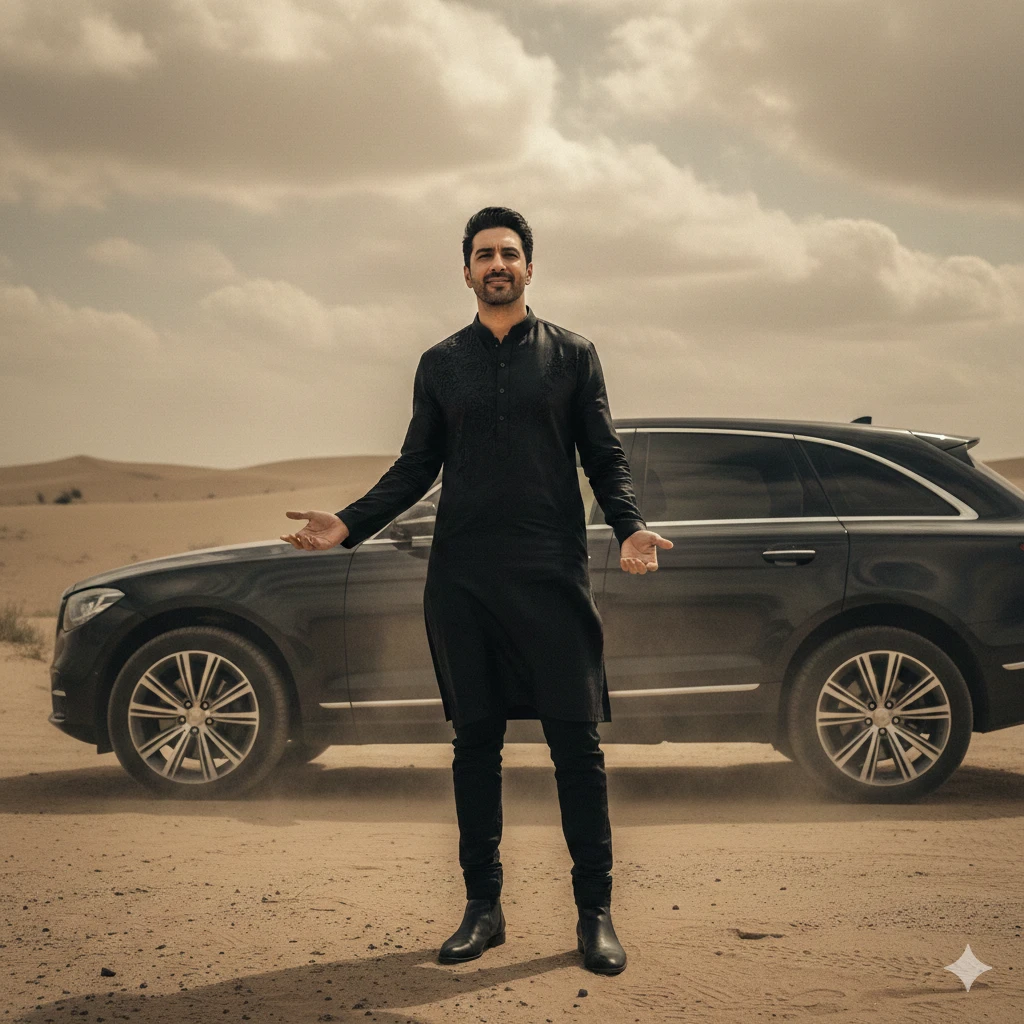
Copy–paste this:
“Create a highly detailed, photorealistic Dhurandhar-style portrait of a male character standing in a dusty desert environment with faint mountains. Intense expression, slightly angry look, strong jawline. Outfit includes a black shalwar kameez with a black blazer jacket and a black shawl around the neck. Add cinematic harsh lighting, dramatic shadows, and subtle dust in the air. Rugged, powerful, bold personality. High contrast, matte color grading, hyper-realistic texture, ultra-sharp clarity, 4K output, movie-poster quality.”
This is the simplest one-click prompt for Rehman Dakait style.

Advanced Dhurandhar Editing Prompts (Choose Any)
1. Standing Cinematic Desert Pose
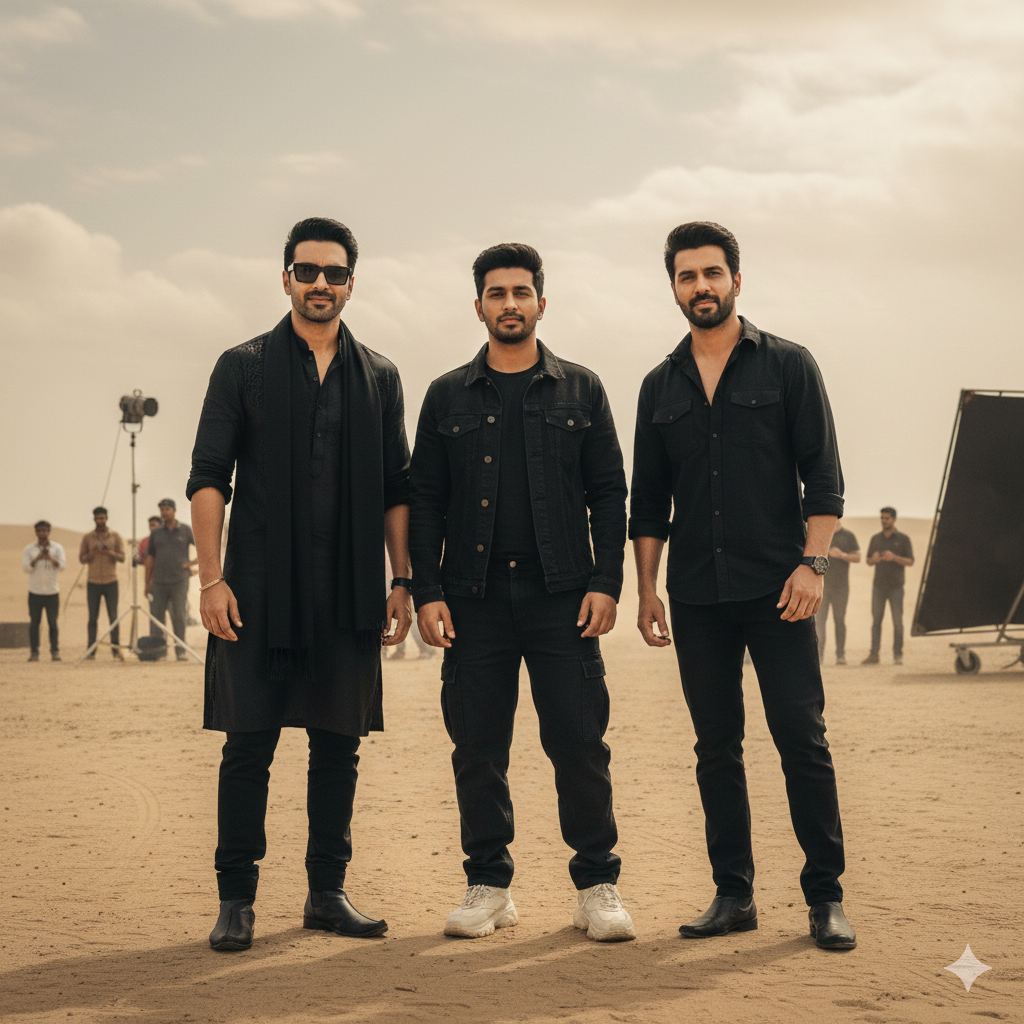
PROMPT
“Behind-the-scenes style photo from the movie Dhurandhar, captured outdoors in soft daylight with a cinematic, natural lighting setup. The scene has a shallow depth of field with clean, realistic shadows. Three people are standing casually as if during a film shoot.
Center character (me): 19 years old, same face and features as the reference image. Wearing a black denim jacket layered over a black T-shirt, paired with loose black baggy jeans and chunky white sneakers.
Left character: Actor 1 with the identical face and hairstyle from the provided reference. Wearing a full black traditional outfit including black kurta, black pajama, matching black scarf/stole, an additional black outer layer, and rectangular black sunglasses.
Right character: Actor 2 with the exact face and expression from the reference image. All characters appear relaxed and natural as if between takes on set, with realistic lighting and cinematic color tones.”
2. Close-Up Rugged Portrait
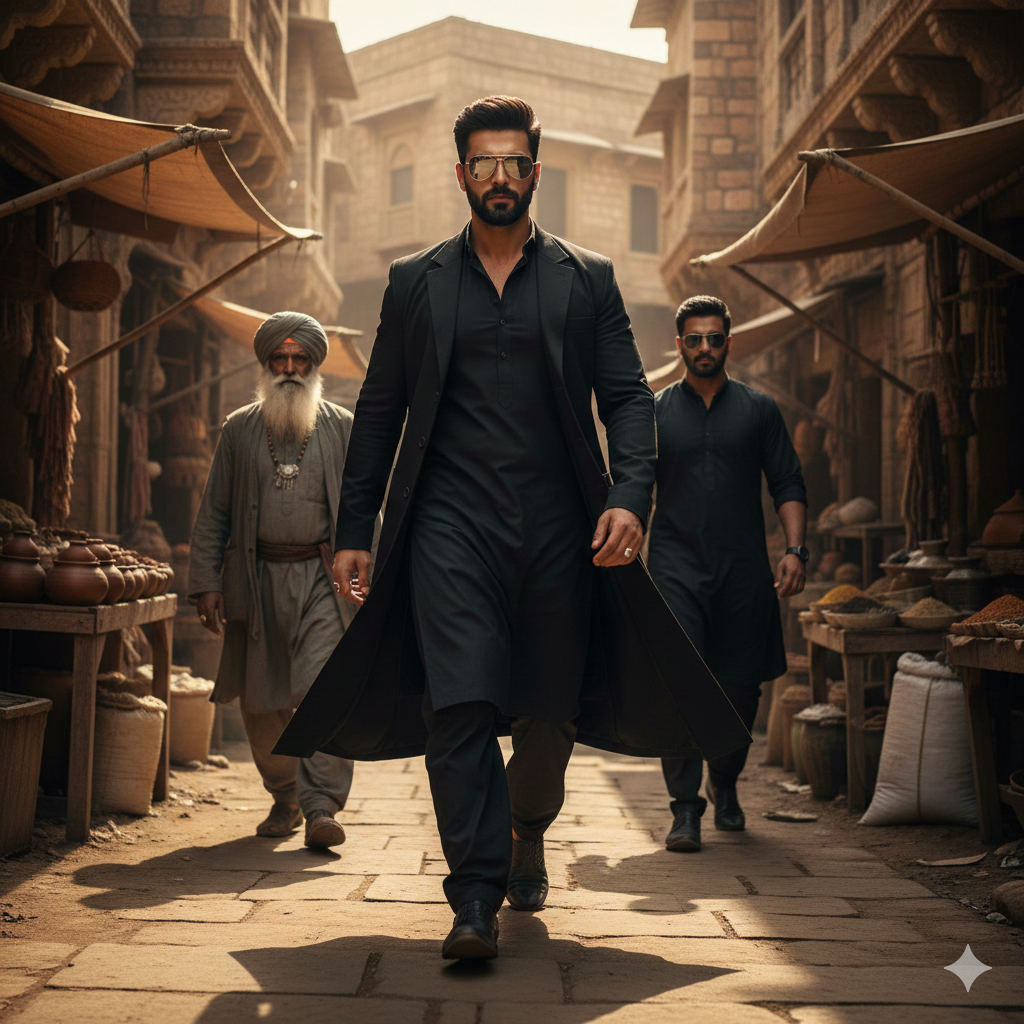
PROMPT HERE
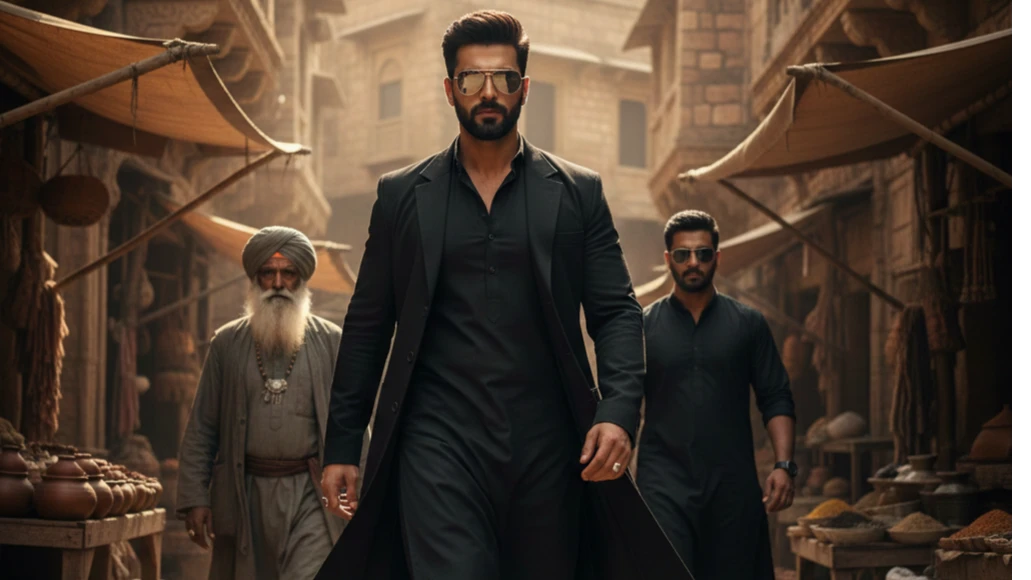
“Generate a highly realistic, cinematic entry shot inspired by the Dhurandhar movie style. A confident young man walks steadily toward the camera with a calm but powerful attitude. He is wearing an all-black kurta pajama with a long black coat that moves naturally with his steps. His beard is sharp and well-groomed, jawline defined, and he wears dark sunglasses that reflect the warm light.
Behind him, two men follow at a natural distance:
• An older man with a long white beard and a traditional turban, wearing minimal but authentic ethnic jewelry and a worn grey outfit that fits the desert setting.
• Another man dressed completely in black, also wearing sunglasses, walking with a composed, protective demeanor.
The setting is a realistic ancient-style Indian–Middle Eastern market street built with old sandstone walls, narrow pathways, and subtle dust in the air. The lighting is warm and golden, resembling late-afternoon sunlight hitting the structures and casting strong, cinematic shadows. The mood should feel grounded, intense, and dramatic—like a powerful entry scene from a gritty action film. Render with hyper-real textures, natural skin details, controlled contrast, and 8K cinematic clarity
How to Use These Prompts in Gemini
Follow these steps to get the perfect result:
- Go to Google Gemini Image Generation
- Paste the prompt exactly
- If possible, upload your own photo for face accuracy
- Select photorealistic or cinematic output
- Regenerate 2–3 times to get the best version

Pro Tips for Perfect Rehman Dakait Output
- Use a well-lit selfie if you upload your face
- Keep expression natural or slightly serious
- Avoid glasses or cap
- Try 3–4 variations of pose-based prompts
- Use darker clothes in the reference image for best accuracy
Conclusion
With the right prompt, you can generate cinematic Rehman Dakait Dhurandhar-style photos in just one click using Gemini. These prompts are crafted for ultra-realistic results, powerful expressions, and dramatic movie-style visuals.