Introduction
Computers have become an inseparable part of our lives. From simple calculators to complex supercomputers that predict weather patterns, computers perform countless functions. They have revolutionized industries, education, medicine, research, communication, and entertainment.
However, not all computers are the same. Different types of computers are designed for different purposes, depending on their processing power, size, cost, and application.
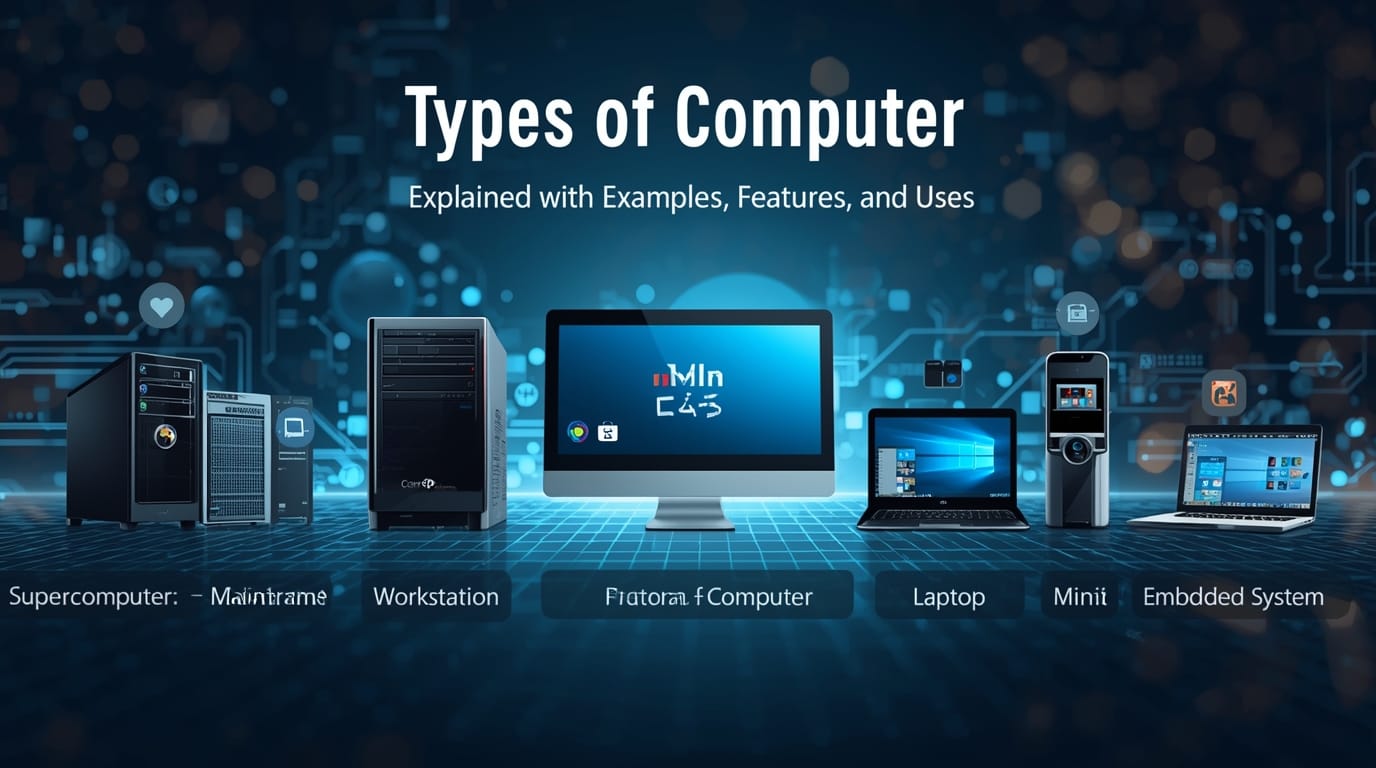
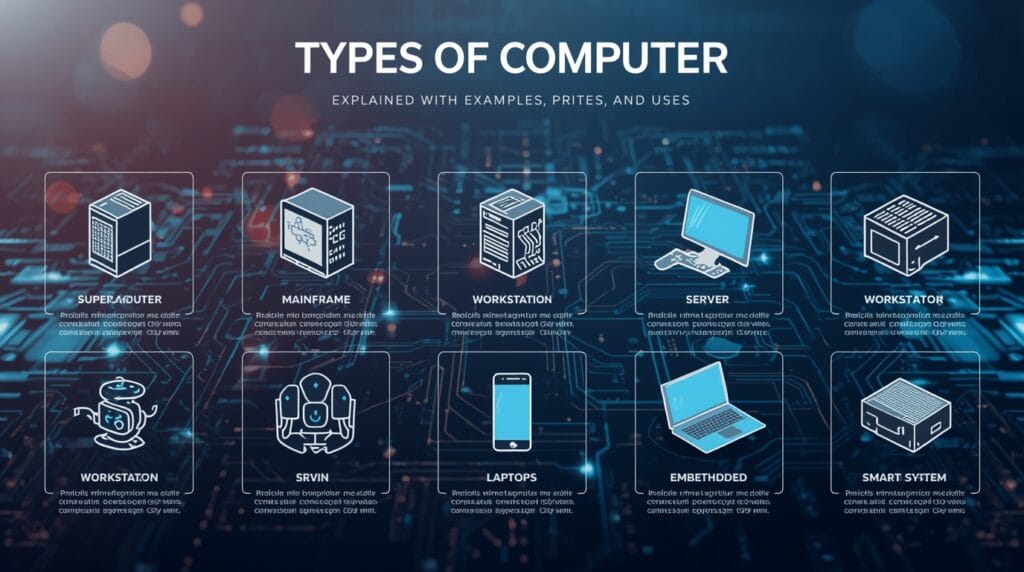
In this article, we’ll explore the main types of computers, their features, advantages, and real-world examples. This will help students of Class 12 and beginners understand the topic in an easy and practical way.
1. Classification of Computers
Computers can be classified in several ways. The two major classifications are:
- Based on Purpose
- General Purpose Computers
- Special Purpose Computers
- Based on Size and Performance
- Microcomputers
- Minicomputers
- Mainframe Computers
- Supercomputers
Let’s discuss each type in detail.
2. Based on Purpose
A. General Purpose Computers
These computers are designed to perform a wide range of tasks. You can use them for word processing, playing games, designing graphics, browsing the internet, and much more.
Examples: Personal computers, laptops, tablets, and smartphones.
Features:
- Flexible and can perform multiple tasks.
- Moderate processing speed.
- Affordable and widely available.
Uses:
- Education and learning.
- Office work and documentation.
- Internet browsing and communication.
B. Special Purpose Computers
These are designed to perform one specific task or a limited set of tasks efficiently. They are optimized for that purpose and cannot be easily reprogrammed.
Examples:
- ATMs (Automated Teller Machines)
- Traffic control systems
- Medical equipment (like heart rate monitors)
- Washing machines and microwave ovens (with embedded systems)
Features:
- Highly reliable for their specific task.
- Fast and efficient in their dedicated operation.
- Not flexible for other uses.
Uses:
- Industrial automation.
- Banking and finance systems.
- Transport and communication control.
3. Based on Size and Performance
Now, let’s explore the main types of computers according to size, performance, and capacity.
A. Microcomputer
Microcomputers are also known as personal computers (PCs). They are designed for individual use and are the most common type of computers used today.
Examples:
Desktops, laptops, notebooks, tablets, and smartphones.
Features:
- Uses a microprocessor as the CPU.
- Compact in size and affordable.
- Supports multitasking.
- Suitable for home, office, and educational purposes.
Uses:
- Word processing, spreadsheets, presentations.
- Web browsing and online learning.
- Gaming, multimedia, and entertainment.
Subtypes of Microcomputers:
- Desktop Computer: Fixed at one place, used for office or home.
- Laptop Computer: Portable, battery-powered computer.
- Tablet Computer: Touchscreen-based portable device.
- Smartphones: Small handheld devices capable of performing most computing tasks.
B. Minicomputer
Minicomputers are medium-sized computers that are more powerful than microcomputers but smaller than mainframes. They are designed for small businesses or organizations that need to handle multiple users at once.
Examples:
IBM AS/400, DEC PDP series.
Features:
- Supports multiple terminals or users simultaneously.
- Faster than personal computers.
- Used for data processing in small industries or departments.
Uses:
- Database management.
- Accounting and payroll systems.
- Business transaction processing.
C. Mainframe Computer
Mainframe computers are large and powerful systems used by big organizations for processing vast amounts of data. They are capable of handling hundreds or even thousands of users simultaneously.
Examples:
IBM zSeries, UNIVAC, Fujitsu ICL VME.
Features:
- Extremely high storage capacity.
- High processing speed and reliability.
- Designed for continuous operation.
- Support for multiple operating systems.
Uses:
- Banking and financial institutions.
- Government data centers.
- Airlines and railway reservation systems.
- Big business enterprises.
D. Supercomputer
Supercomputers are the fastest and most powerful computers in the world. They can perform trillions of calculations per second and are used for complex scientific computations.
Examples:
PARAM (India), Summit (USA), Fugaku (Japan).
Features:
- Massive processing power.
- Very high cost and size.
- Require special cooling systems and controlled environments.
Uses:
- Weather forecasting and climate modeling.
- Space exploration and scientific research.
- Simulation of nuclear reactions.
- Artificial intelligence and big data analysis.
4. Types of Computers Based on Data Handling
Computers can also be classified based on how they process data:
A. Analog Computer
Analog computers handle continuous data, such as temperature, speed, or voltage. They measure and compare physical quantities.
Examples:
Thermometers, speedometers, and analog flight simulators.
Features:
- Work with real-time signals.
- Provide approximate results.
- Used in scientific and engineering applications.
Uses:
- Measurement and monitoring systems.
- Industrial process control.
B. Digital Computer
Digital computers handle discrete data in binary form (0s and 1s). They are the most common type of computer used today.
Examples:
Personal computers, laptops, calculators, smartphones.
Features:
- Work with numeric and logical data.
- High accuracy and speed.
- Easy to program and versatile.
Uses:
- Education, research, business, and entertainment.
C. Hybrid Computer
Hybrid computers combine the features of both analog and digital computers. They can process both continuous and discrete data.
Examples:
Machines used in hospitals for monitoring patients’ health parameters.
Features:
- High speed and accuracy.
- Used for complex scientific applications.
Uses:
- Weather forecasting.
- Medical diagnostics.
- Research laboratories.
5. Types of Computers Based on Functionality
Another useful way to understand computers is by their functionality.
A. Server Computer
A server provides resources, data, or services to other computers (clients) over a network.
Examples:
Web servers, file servers, mail servers.
Uses:
- Hosting websites and databases.
- Managing online applications and emails.
B. Workstation
Workstations are high-performance computers used for technical or scientific applications that require more computing power than a typical personal computer.
Examples:
Used by graphic designers, engineers, and software developers.
Features:
- Powerful CPU and GPU.
- Large memory and high-resolution display.
Uses:
- 3D modeling and rendering.
- Scientific simulations.
C. Embedded Computer
Embedded computers are built into devices to perform specific control functions.
Examples:
Smart TVs, cars, washing machines, digital cameras.
Features:
- Pre-programmed software.
- Efficient and reliable.
- Low power consumption.
Uses:
- Everyday appliances and devices.
- Industrial automation.
6. Evolution of Computer Types
Let’s briefly look at how computers evolved through generations:
- First Generation (1940–1956):
- Used vacuum tubes.
- Very large and slow.
- Example: ENIAC, UNIVAC.
- Second Generation (1956–1963):
- Used transistors.
- Faster, smaller, and more reliable.
- Third Generation (1964–1971):
- Used integrated circuits (ICs).
- Introduction of keyboards and monitors.
- Fourth Generation (1971–Present):
- Microprocessors introduced.
- Personal computers became common.
- Fifth Generation (Present & Future):
- Based on Artificial Intelligence and Quantum Computing.
- Example: AI-powered systems, neural networks.
7. Comparison Table of Computer Types
| Type | Processing Power | Cost | Users Supported | Example |
|---|---|---|---|---|
| Microcomputer | Low to Medium | Low | 1 User | Laptop, PC |
| Minicomputer | Medium | Moderate | 10–100 Users | DEC PDP |
| Mainframe | High | High | 1000+ Users | IBM zSeries |
| Supercomputer | Very High | Very High | Specialized | PARAM, Fugaku |
8. Importance of Understanding Computer Types
Knowing the types of computers helps students and professionals:
- Choose the right system for their needs.
- Understand how computer technology evolved.
- Recognize how computing affects every field.
- Prepare for exams, interviews, and IT careers.
9. Future Trends in Computer Technology
The future of computing is rapidly changing. Here are some upcoming trends:
- Quantum Computing – performs calculations at atomic levels.
- AI-Based Computers – machines that learn and adapt.
- Wearable Computers – smart watches and health monitors.
- Cloud Computing – using remote servers for data storage and processing.
- Edge Computing – faster local data processing near the source.
10. Conclusion
Computers come in many shapes, sizes, and capabilities — from tiny embedded chips to massive supercomputers controlling satellites. Each type of computer has its unique purpose and role in our digital world.
Understanding these types helps us appreciate how deeply computers influence our everyday lives and how technology continues to evolve.
Whether you are a student learning the basics or a tech enthusiast exploring deeper, knowing computer types is the foundation for mastering the digital age.