Types of Network Topology Explained with Notes and Diagrams (2026 Guide)
Hey there! Welcome to InsaneNotes.in.
Have you ever looked at a spider web and noticed how all the threads connect in a specific pattern? Or watched how kids hold hands in a circle to play a game? Believe it or not, you were looking at a kind of network topology!
Sounds like a big, scary tech term, right? Don’t worry. It’s actually a very simple idea. In this friendly guide, we’re going to break down all the types of network topology in the simplest way possible. We’ll use easy notes, fun diagrams, and real-life examples that even a 5th grader can understand.
Think of a network topology as the map or the layout of a network. It’s simply the way computers, printers, and other devices are connected to each other on a network. Choosing the right layout is like choosing the right road plan for a city—it decides how information will travel.
Ready to become a network topology expert? Let’s dive in!
What is Network Topology? A Super Simple Explanation
Before we jump into the different types of network topology, let’s make sure we understand what the word means.
Imagine your home. You have a Wi-Fi router, your mom’s laptop, your dad’s phone, and your gaming console. All these devices are connected to the internet. How they are arranged and connected to that router is their topology. It’s the shape or structure of the network.
In technical terms:
Network Topology is the physical and logical arrangement of nodes (like computers, switches, routers) and connections in a network. It defines how devices communicate and how data flows from one point to another.
Understanding network topology is super important because:
- It affects the speed and performance of your network.
- It determines how easy it is to troubleshoot problems.
- It influences the cost of setting up the network.
Now, let’s explore the most common types of network topology you’ll come across.
The Main Types of Network Topology: A Detailed Guide
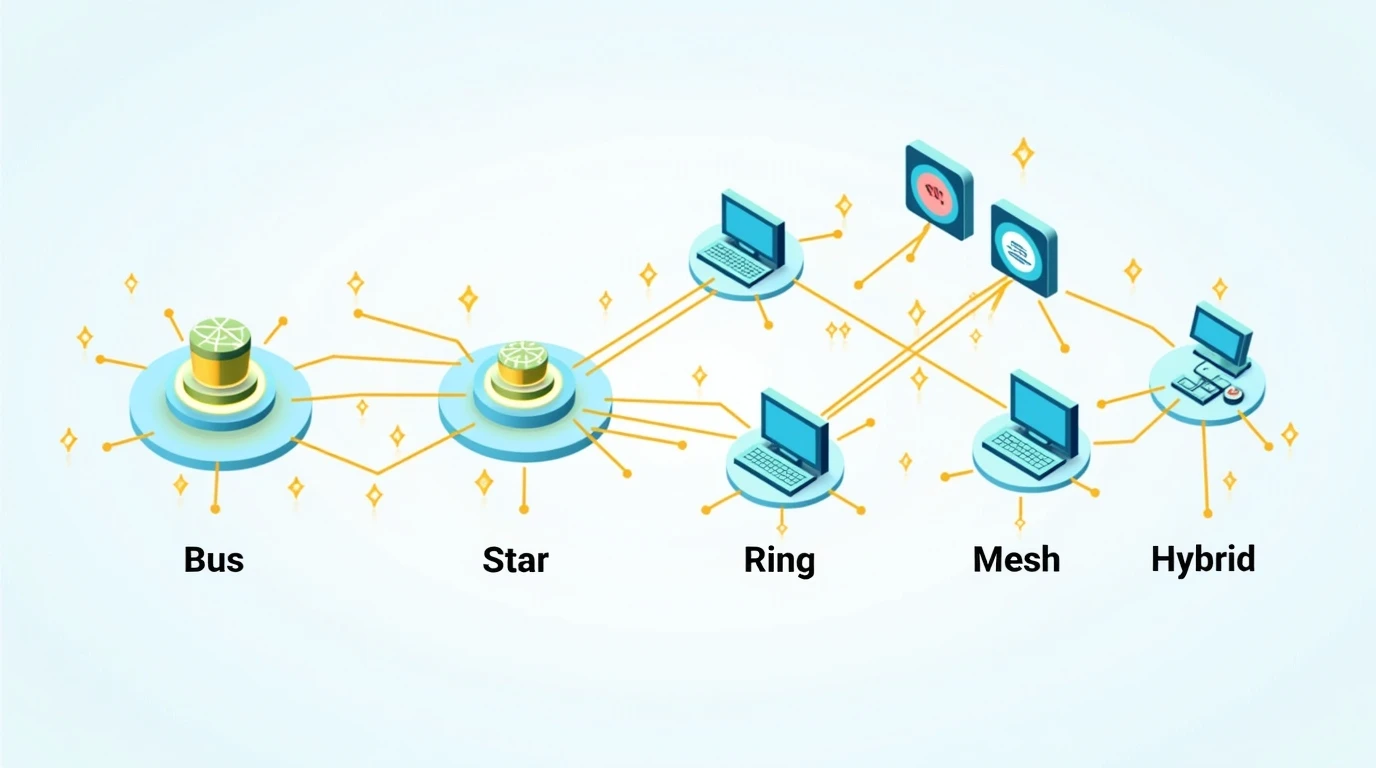
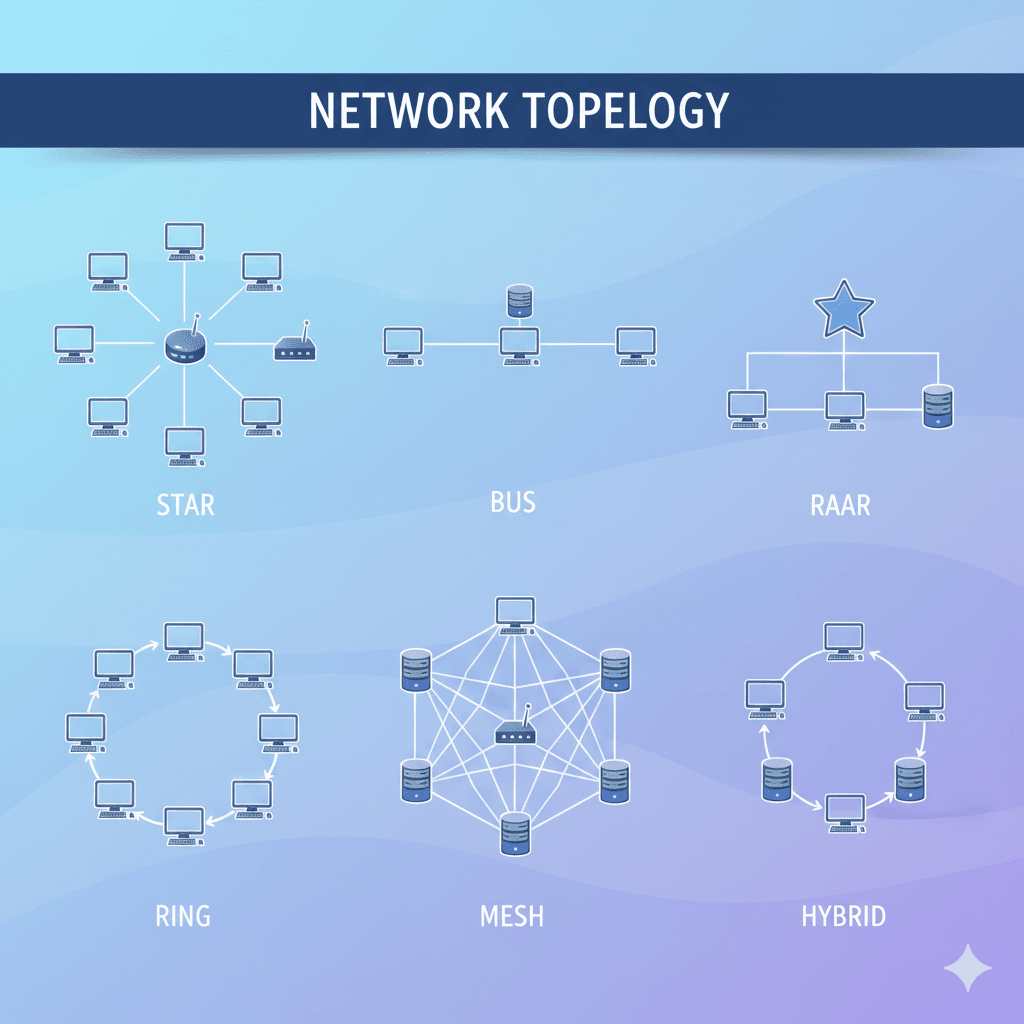
We can group the main types of network topology into a few classic categories. We’ll look at each one with a simple diagram, easy-to-understand notes, and their pros and cons.
1. Bus Topology: The Single Road

What is it?
Picture a single, long road running through a town. All the houses (devices) are directly connected to this main road. This is Bus Topology. It uses one main cable (called the backbone or bus) to which every computer and device is directly attached.
How does it work?
When one device wants to send a message to another, it puts the message on the main cable. The message travels along the cable in both directions. Every device on the network sees the message, but only the device for which the message is intended accepts and processes it.
Real-Life Example:
Think of an old-fashioned walkie-talkie channel. Everyone on the channel can hear the message, but only the person whose name is called should respond.
Pros (Advantages):
- Simple and Cheap: It’s easy to set up and doesn’t require a lot of cable, making it cost-effective for very small networks.
- Easy to Extend: You can easily add a new device by connecting it to the main cable.
Cons (Disadvantages):
- If the main cable fails, the whole network goes down. It’s like if the main road gets blocked, no one can travel.
- Slower with more devices: As more devices are added, there’s more data traffic on the single cable, which slows everything down.
- Difficult to troubleshoot: Finding a specific cable break or device issue can be like finding a needle in a haystack.
2. Star Topology: The Hub and Spokes
What is it?
This is the most common network topology you’ll find in homes and offices. In a Star Topology, every device has its own dedicated cable that connects directly to a central device, like a network switch or a hub. It looks like a star!
How does it work?
The central device (usually a switch) acts like a traffic police officer. If your laptop wants to send a file to the office printer, it sends the data to the switch. The switch then smartly forwards the data directly to the printer. No other device is disturbed.
Real-Life Example:
Your home Wi-Fi! Your router is the central device, and your phone, laptop, and smart TV are all connected directly to it.
Pros (Advantages):
- Easy to manage and troubleshoot: If one device has a problem, you can just check its connection to the central device without affecting the rest of the network.
- A single device failure doesn’t break the network: If your laptop disconnects, your dad’s computer can still browse the internet.
- High performance: Since each device has a dedicated connection, it’s generally fast.
Cons (Disadvantages):
- Central point of failure: If the central switch or hub fails, the entire network goes down. Everything depends on that one device.
- Uses more cable: Because every device needs its own cable running to the center, it can use more wiring than a Bus topology.
3. Ring Topology: The Circle Game
What is it?
In a Ring Topology, every device is connected to exactly two other devices, forming a circular path for data. The data travels in one direction around the ring, from device to device.
How does it work?
When a device wants to send data, it passes the data to its neighbor, which passes it to the next, and so on, until it reaches the destination device. Each device has a “repeater” that strengthens the signal as it passes through.
Real-Life Example:
A group of friends passing a secret note around a circle. Each person reads it and passes it to the next until it reaches the right person.
Pros (Advantages):
- Orderly network: Data travels in one direction, which prevents data collisions (two packets of data crashing into each other).
- Equal access: All devices have an equal chance to send data.
Cons (Disadvantages):
- Slow: Data has to pass through many devices to get to its destination, which can make it slow.
- A single break disables the whole network: If one device fails or a cable is cut, the entire ring is broken, and communication stops. It’s like breaking a link in a chain.
4. Mesh Topology: The Super-Connected Web
What is it?
Mesh Topology is all about being super-connected. In a full mesh network, every single device is directly connected to every other device. It creates a very robust and reliable network.
How does it work?
Because of all the direct connections, data can take many different paths to get from the source to the destination. If one path is busy or broken, the data can instantly take an alternative route.
Real-Life Example:
The internet itself is a giant mesh network! Data packets can travel across countless different paths to get from a Google server to your computer.
Pros (Advantages):
- Extremely reliable and fault-tolerant: It’s very difficult to bring down a mesh network. If one connection fails, data just takes another path.
- Fast and efficient data transfer: Data doesn’t have to go through unnecessary devices.
Cons (Disadvantages):
- Very expensive and complex: The amount of cable and ports required is huge. It’s a nightmare to set up and manage for a large number of devices.
- Difficult to install: The wiring can become incredibly messy.
5. Tree Topology: The Family Tree
What is it?
A Tree Topology is like a family tree or a business organization chart. It combines the characteristics of Bus and Star topologies. You have a central “root” node (like a main backbone cable), which connects to multiple “branch” nodes (like star networks).
How does it work?
Devices are connected in groups using Star topologies. These groups are then connected to a central backbone (the Bus). It’s a hierarchical structure, meaning it has different levels.
Real-Life Example:
A large university campus. Each building might have its own Star network (the departments), and all these buildings are then connected to the main university’s network backbone.
Pros (Advantages):
- Great for large networks: It’s easy to expand the network by adding new branches.
- Easy to manage and maintain: Each section (branch) can be managed independently.
Cons (Disadvantages):
- The backbone is a single point of failure: If the main central cable fails, the entire network gets disrupted.
- Can get complicated: As it grows, the wiring and maintenance can become complex.
6. Hybrid Topology: The Best of Both Worlds
What is it?
As the name suggests, a Hybrid Topology is a mix of two or more different types of network topologies. It is designed to leverage the strengths and minimize the weaknesses of the topologies it combines.
How does it work?
A real-world network is rarely just a pure Star or Ring. For example, a company might use a Star topology in each of its departments but connect these departments in a Ring topology to form a larger, more resilient network. This combination would be a Hybrid topology.
Real-Life Example:
A city’s transportation system. You have local roads (like a Star topology in a neighborhood), which connect to main arterial roads (like a Bus topology), and sometimes complex interchanges (like a Mesh).
Pros (Advantages):
- Highly flexible and reliable: It can be customized to fit specific needs and is often very robust.
- Scalable: It’s easy to expand by adding new components.
Cons (Disadvantages):
- Complex design: It is one of the most complex types of network topology to design.
- Can be expensive: The hardware and cabling costs can be high.
Comparison Table: Types of Network Topology at a Glance
To make things even clearer, here’s a quick comparison table of the most common types of network topology:
| Topology Type | Ease of Setup | Cost | Reliability | Scalability | Best For |
|---|---|---|---|---|---|
| Bus | Easy | Low | Low | Fair | Very small, temporary networks |
| Star | Very Easy | Moderate | High | Good | Homes, offices, small businesses |
| Ring | Moderate | Moderate | Low | Fair | Networks where orderly data flow is key |
| Mesh | Difficult | High | Very High | Difficult | Critical networks (e.g., military, internet backbone) |
| Tree | Moderate | Moderate | Moderate | Very Good | Large campuses, wide area networks |
| Hybrid | Difficult | High | High | Good | Large, complex organizations |
Frequently Asked Questions (FAQs) About Network Topology
Let’s answer some of the most common questions people have about network topology.
1. Which network topology is the best?
There is no single “best” topology. The best choice depends on your specific needs! For a home, a Star topology is almost always the best. For a highly critical system where failure is not an option, a Mesh topology might be worth the cost. It’s all about balancing cost, reliability, and ease of use.
2. What is the most common type of network topology used today?
The Star topology is by far the most common. It’s used in almost every home Wi-Fi setup and in the vast majority of modern office Local Area Networks (LANs) because it offers a great balance of performance, cost, and ease of management.
3. What is the difference between physical and logical topology?
This is a great question!
- Physical Topology is about the actual, physical layout of the wires and devices. It’s how you can see the network connected with your eyes.
- Logical Topology is about the path that data signals take through the physical topology. It’s how the data “sees” the network. For example, a network could be physically wired as a Star, but the switch could be configured to make data travel in a logical ring.
4. Is the Internet a Mesh Topology?
Yes, in a big way! The internet is a giant, global Hybrid-Mesh topology. There are countless interconnected paths, which is what makes it so resilient. If one cable under the ocean breaks, your data just finds another way to get to its destination.
Conclusion: Finding the Right Network Layout
And there you have it! A complete guide to the types of network topology.
We started with the simple Bus, moved to the popular Star, circled around the Ring, explored the robust Mesh, climbed the Tree, and finally mixed things up with the Hybrid topology. Understanding these different layouts is the first step to understanding how our connected world works.
Remember, the goal of learning about network topology isn’t to pick a winner, but to understand the tools available. The next time you connect to your Wi-Fi, you’ll know you’re in a Star. When you think about the internet, you’ll picture a massive Mesh.
We hope this guide on InsaneNotes.in has made this topic crystal clear for you. If you have any more questions, feel free to explore the rest of our website for more simple and easy notes!