What Is the TCP/IP Model and Its Layers? Complete Guide (2026)
Hey there! Welcome to InsaneNotes.
Have you ever sent a letter? You write your message, put it in an envelope, write an address, add a stamp, and drop it in a mailbox. A whole system of post offices and mail carriers works behind the scenes to make sure it reaches your friend’s house.
Now, imagine doing the same thing, but with a photo, a video, or this very article you’re reading online. How does that digital “letter” get from a server somewhere in the world to your phone or laptop?
The answer lies in a brilliant set of rules called the TCP/IP model.
If that sounds complicated, don’t worry! This guide is your friendly map to understanding this model. We’re going to break down the TCP/IP model into bite-sized pieces. By the end, you’ll know exactly how the magic of the internet happens. Let’s dive in!
What is the TCP/IP Model, Really? (A Simple Explanation)
In the simplest terms, the TCP/IP model is the internet’s basic rulebook. It’s a set of instructions that all computers and devices agree to follow so they can talk to each other.
The name TCP/IP comes from two of its most important rules:
- TCP (Transmission Control Protocol): This is like a super-organized and reliable postal service. It makes sure your data is broken down into small pieces, sent, and then put back together correctly on the other end. If a piece gets lost, TCP sends it again!
- IP (Internet Protocol): This is the addressing system. It gives every device on the internet a unique “home address” called an IP address (like 192.168.1.1). IP’s job is to find the best route to deliver those data pieces to the right address.
So, the TCP/IP model is the grand plan that uses these protocols (and others) to make global communication possible. It’s the backbone of the modern internet!
Why Should You Care About the TCP/IP Model?
You might be thinking, “I just use the internet; I don’t need to know how it works.” That’s fair! But understanding the TCP/IP model helps you in a few cool ways:
- It Demystifies the Internet: Suddenly, you won’t just be “browsing the web.” You’ll understand the incredible journey of data happening in milliseconds.
- It Helps with Troubleshooting: When your internet is slow or a website won’t load, knowing the basics can help you understand if it’s a problem with your connection (the delivery) or the website itself (the sender).
- It’s Foundational Knowledge: If you’re interested in tech, cybersecurity, or web development, the TCP/IP model is your first step towards mastering those fields.
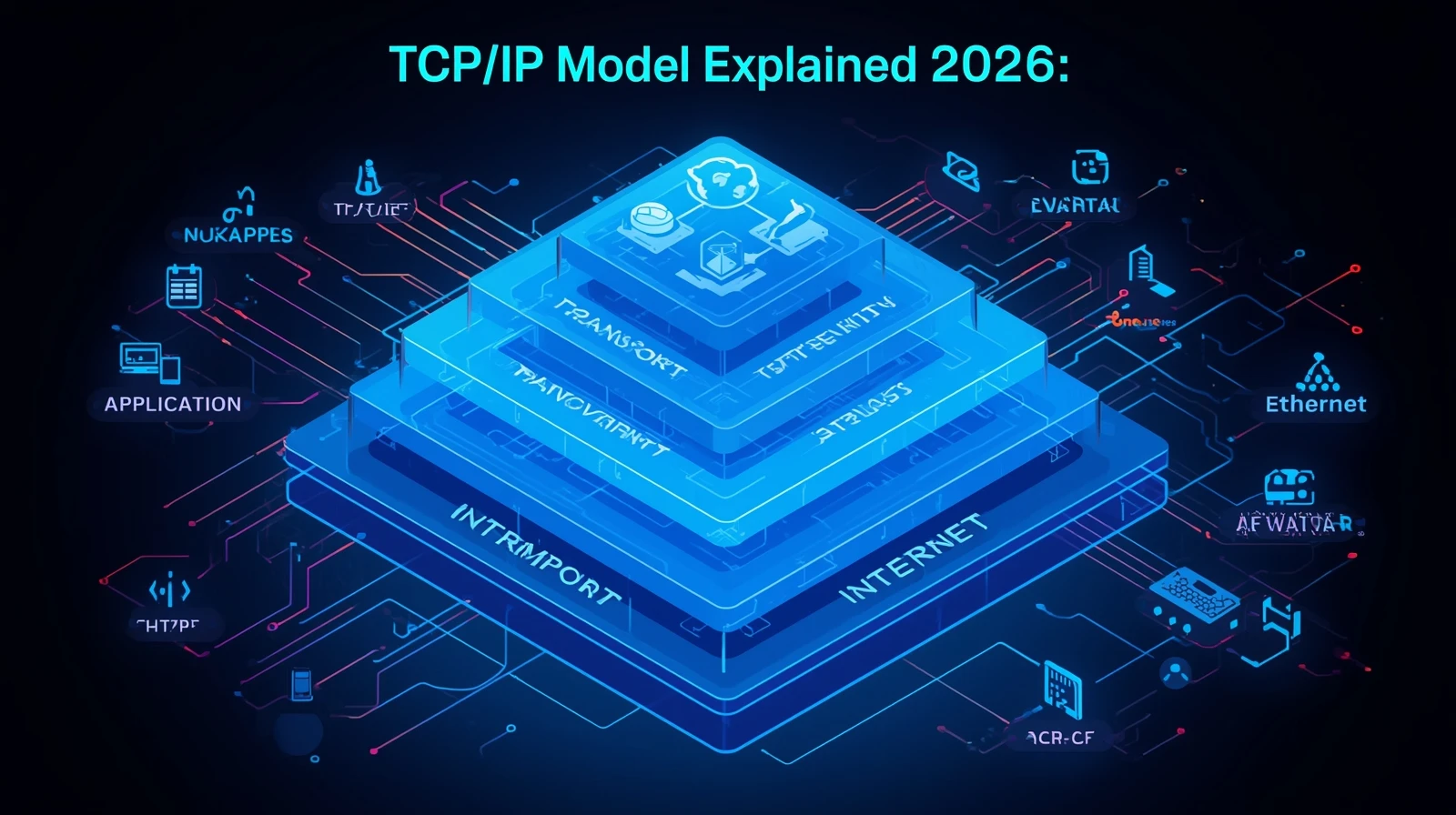
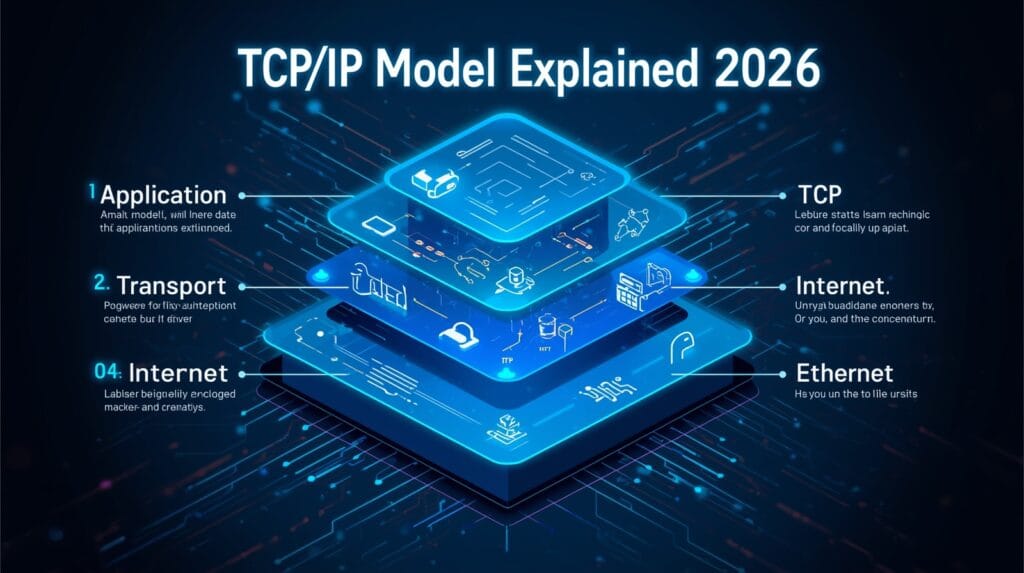
The Four Layers of the TCP/IP Model: A Step-by-Step Journey
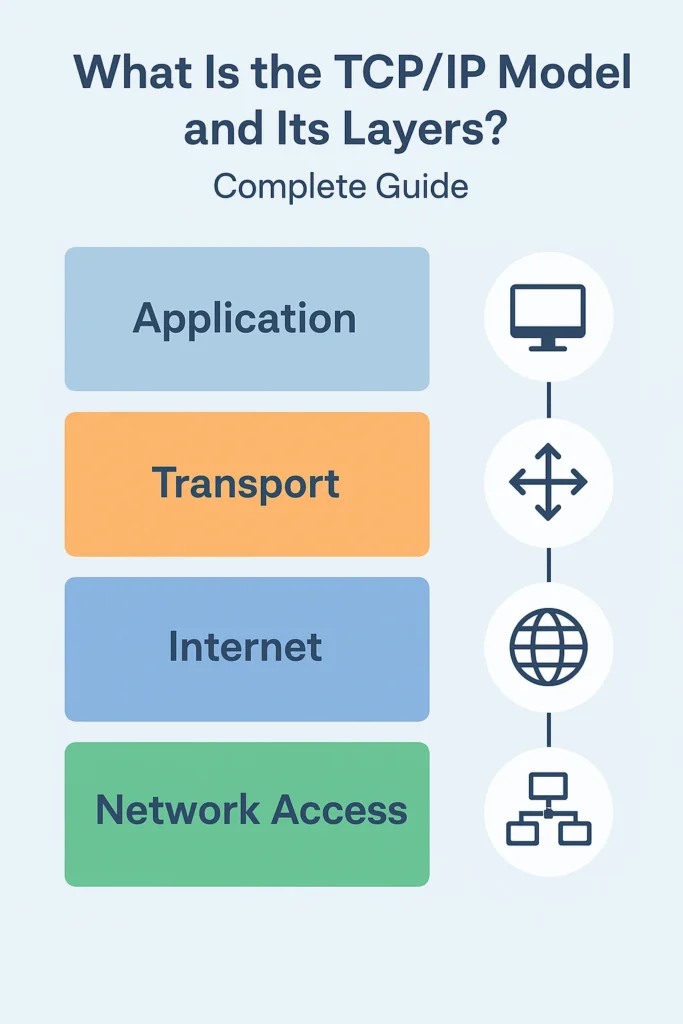
The TCP/IP model is built in layers, kind of like a cake. Each layer has a specific job, and they all work together. Imagine sending that letter we talked about earlier. Each step in the process is like a different layer.
The official layers of the TCP/IP model are four. Let’s follow a simple example: You’re clicking a link to visit InsaneNotes.in.
Layer 1: The Application Layer (The User)
This is the layer you interact with directly. It’s all about the applications and software you use every day.
- What it does: This layer uses protocols (rules) that your applications understand. When you type a website address or send an email, this layer is where it starts.
- Real-World Protocols:
- HTTP/HTTPS: For browsing websites. Your browser uses this to ask for the InsaneNotes.in webpage.
- SMTP: For sending emails.
- FTP: For transferring files.
- Simple Analogy: This is you writing the letter. You decide the message (the website you want to see) and you use a language (like HTTP) that the recipient will understand.
Layer 2: The Transport Layer (The Post Office Organizer)
Once your browser has decided it wants the InsaneNotes.in page, the Transport Layer takes over. Its main star is the TCP protocol.
- What it does: It takes the big data (the entire webpage) and breaks it down into small, manageable pieces called packets. It then makes sure all these packets arrive safely and in the right order at the other end.
- Key Player: TCP. It creates a reliable connection. It numbers the packets, and if some go missing, it asks for them to be re-sent. It’s like having a tracking number for every piece of your letter!
- Simple Analogy: This is the post office worker who breaks your big, thick letter into smaller envelopes if needed, numbers them (1 of 5, 2 of 5, etc.), and gets them ready for the mail truck.
Layer 3: The Internet Layer (The Address and Routing System)
Now we have our numbered packets. But where are they going? The Internet Layer handles that. Its superstar is the IP protocol.
- What it does: This layer is responsible for addressing, packaging, and routing the packets. It puts each packet into a “digital envelope” that has the destination IP address (the website’s server) and your own IP address (your computer’s return address).
- Key Player: IP (Internet Protocol). It finds the best possible path through the vast network of the internet to deliver the packets. Routers on the internet look at the IP address and decide where to send the packet next.
- Simple Analogy: This is the system that reads the address on your envelope and decides the best route—by plane, truck, or mail carrier—to get it to its destination city and street.
Layer 4: The Network Access Layer (The Physical Road)
This is the most physical layer. It’s all about the actual connection.
- What it does: This layer defines how the data is physically sent through the network. It takes the packets from the Internet Layer and converts them into electrical signals, light pulses (for fiber optics), or radio waves (for Wi-Fi).
- What it includes: Your network card, the Ethernet cable, the Wi-Fi router, and the signals traveling through them.
- Simple Analogy: This is the actual road, the mail truck, and the bicycle of the mail carrier that physically carry your letter to the doorstep.
The Journey of a Click (Recap):
- Application: You click a link in your browser (HTTP).
- Transport: TCP breaks your request into numbered packets.
- Internet: IP addresses the packets and routes them across the internet.
- Network Access: The packets are converted into radio waves and sent through your Wi-Fi.
The website’s server then does the same process in reverse! It receives the packets, TCP checks if all are there, reassembles them, and the Application Layer (the web server software) sends back the website data, which travels back to you through the same process. Amazing, right?
TCP/IP Model vs. OSI Model: What’s the Difference?
You might have heard of another model called the OSI (Open Systems Interconnection) model. It has 7 layers. So, why are there two? Let’s clear that up.
The OSI model is a more detailed, theoretical model. It’s like a perfect, detailed blueprint. The TCP/IP model, on the other hand, is the practical, real-world implementation that the actual internet is built on.
Think of it this way: The OSI model is the detailed recipe in a chef’s cookbook. The TCP/IP model is what a busy restaurant kitchen actually does to get your food to the table quickly and efficiently.
Here’s a simple comparison table:
| Feature | TCP/IP Model | OSI Model |
|---|---|---|
| Origin | Developed by the US Department of Defense | Developed by ISO (International Organization for Standardization) |
| Layers | 4 Layers | 7 Layers |
| Approach | Practical, based on standard protocols | Theoretical, a strict guideline |
| Usage | The actual foundation of the modern internet | Used as a teaching and reference tool |
In short, we use the TCP/IP model in practice, but we often use the OSI model’s terminology to describe networking issues in more detail.
Why is the TCP/IP Model So Important in 2026 and Beyond?
You might be reading this in 2026, and guess what? The TCP/IP model is more relevant than ever. It’s a timeless design. Here’s why:
- It’s Scalable: The model was designed to grow. From a few computers to billions of devices (phones, fridges, cars!), the TCP/IP model handles it all.
- It’s Robust: Its design is fault-tolerant. If one path fails, the IP protocol can find another route. This makes the internet very resilient.
- It’s the Foundation for the Future: New technologies like 5G, the Internet of Things (IoT), and even faster future networks all rely on the core principles of the TCP/IP model. It’s the universal language that all future tech will speak.
Frequently Asked Questions (FAQs)
1. Is the TCP/IP model only used for the internet?
No, not at all! While it powers the global internet, you also use it in your own home network. When you print something wirelessly or share files between computers on your Wi-Fi, they are communicating using the TCP/IP model.
2. What is my IP address, and can it change?
Your public IP address is like the address of your apartment building. It’s assigned by your Internet Service Provider (ISP). For most home users, this is a “dynamic” IP address, which means it can change from time to time. You also have a “private” IP address for each device on your home Wi-Fi, given by your router.
3. What’s the difference between TCP and UDP?
This is a great question! TCP is reliable but slower (it checks for errors and lost packets). UDP (User Datagram Protocol) is faster but “fire-and-forget”—it doesn’t guarantee delivery. Use TCP for websites and emails where accuracy is key. Use UDP for live video streaming or online gaming, where speed is more important than losing a single frame of data.
4. How does the TCP/IP model relate to cybersecurity?
Understanding the TCP/IP model is crucial for security. Firewalls, for example, work by inspecting data at different layers. They can block traffic based on IP addresses (Internet Layer) or specific applications (Application Layer). Knowing the model helps you build stronger digital defenses.
Conclusion: It’s All About Connection
And there you have it! The mighty TCP/IP model isn’t some scary, complex tech jargon. It’s a beautifully simple, layered system that makes our connected world possible.
From the application you see on your screen, down to the electrical signals in a wire, every part of the TCP/IP model has a vital role to play. It’s the unsung hero of every video call, every downloaded song, and every website you visit.
We hope this guide has made the TCP/IP model and its layers crystal clear for you. Feel free to bookmark this page on InsaneNotes.in and come back anytime you need a refresher. Happy browsing