
Best 10 AI Tools for Coding in 2026 – Write Code Faster with Artificial Intelligence
Hello friends! Welcome to insanenotes.in.
Are you learning to code? Or are you already a coder? Coding is like talking to a computer. We tell the computer what to do. But sometimes, it is very hard. We forget small things. We get stuck on big problems. We have to write the same type of code again and again. It can be very tiring.
But guess what? Now we have helpers! These helpers are called AI Coding Tools. AI means Artificial Intelligence. It is like a smart robot brain. These AI tools can help us write code faster and with fewer mistakes.
I have used many of these tools. So today, I will tell you about the 10 Best AI Tools for Coding in 2026. This is my simple and honest review. I will explain it in very easy English. Let’s get started!
Also Read This:)
Top 10 KineMaster Alternatives (2026) – Best Free Video Editing Apps for Android & PC
What are AI Coding Tools? (Samjhaiye, What is This?)
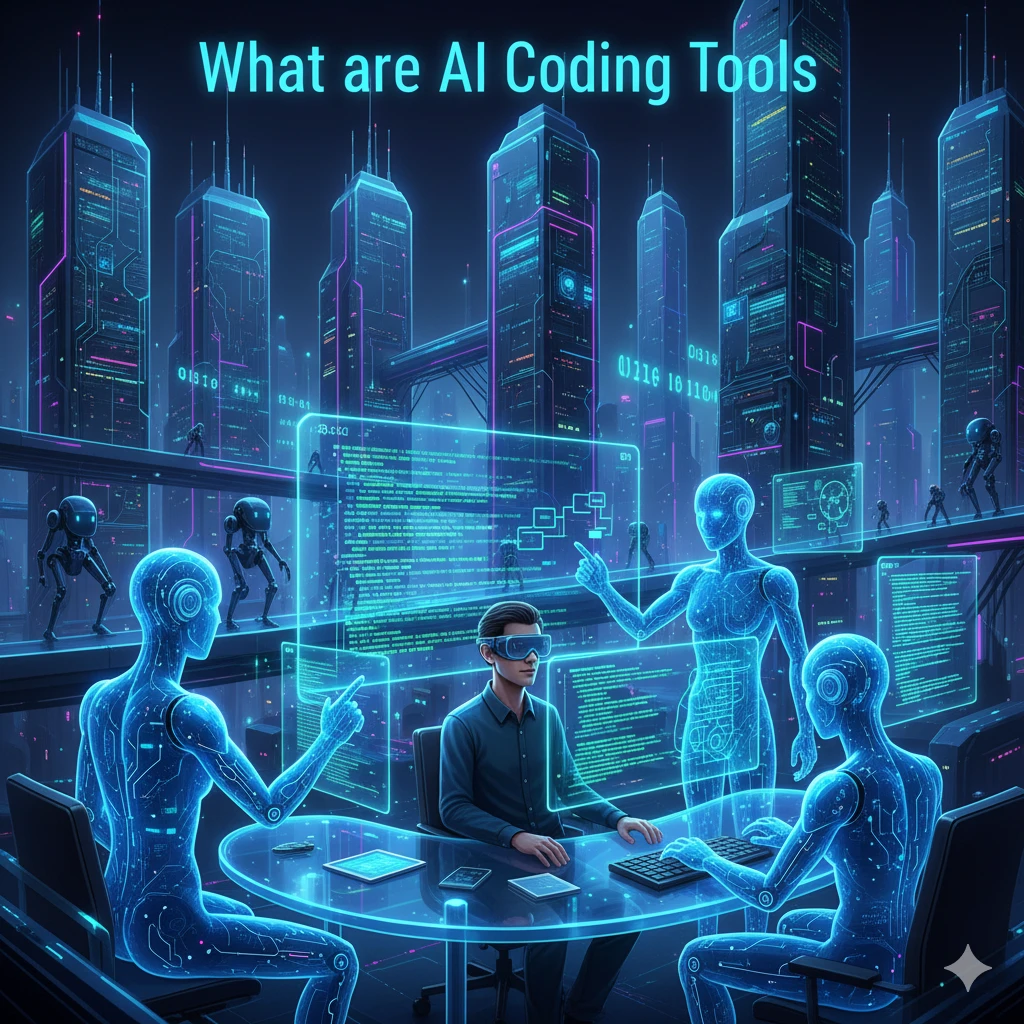
Imagine you are doing your homework. A smart friend sits next to you. When you get stuck, your friend gives you a hint. When you are writing an essay, your friend suggests the next sentence. This is what AI coding tools do for programmers.
They are like a smart friend for coders. They can:
- Suggest code: You start typing, and they finish the line for you.
- Find mistakes: They tell you, “Bhai, there is a spelling mistake here.”
- Explain code: If you see a complex code, they will explain it in simple words.
- Answer questions: You can ask them, “How to connect a database in Python?” and they will tell you.
They don’t do all your work. You are still the driver. But they are a very good co-driver who helps you reach your destination faster.
My Top 10 AI Coding Tools for 2026
After trying many tools, here is my list of the top 10. I will tell you the good things and the not-so-good things about each one.
1. GitHub Copilot: The Coding Superfriend
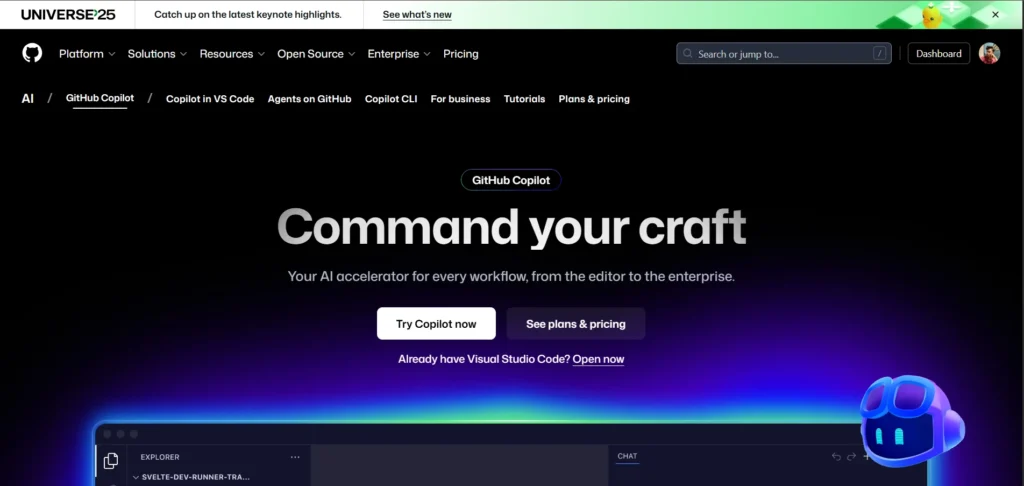
This is the most famous AI tool. It is made by GitHub and Microsoft. It works directly inside your code editor like VS Code.
My Experience:
When I installed it, it felt like magic. I just write a comment about what I want to do, like // calculate the sum of two numbers, and it writes the whole code for me! It is very fast and smart.
Best For: Everyone – students, beginners, and professional developers.
The Good (Pros) and The Not-So-Good (Cons):
| The Good (Pros) | The Not-So-Good (Cons) |
|---|---|
| Suggests full lines and whole functions of code. | It is a paid tool (you have to pay money every month). |
| Works inside your favorite editor like VS Code. | Sometimes it suggests wrong code, so you have to check it. |
| Understands many programming languages. | It can be slow on an old computer. |
| It learns from your coding style. |
Also Read This:)
Grok AI Features and Review 2025 – Is Elon Musk’s AI Better Than ChatGPT?
2. Amazon CodeWhisperer: Copilot’s Big Rival
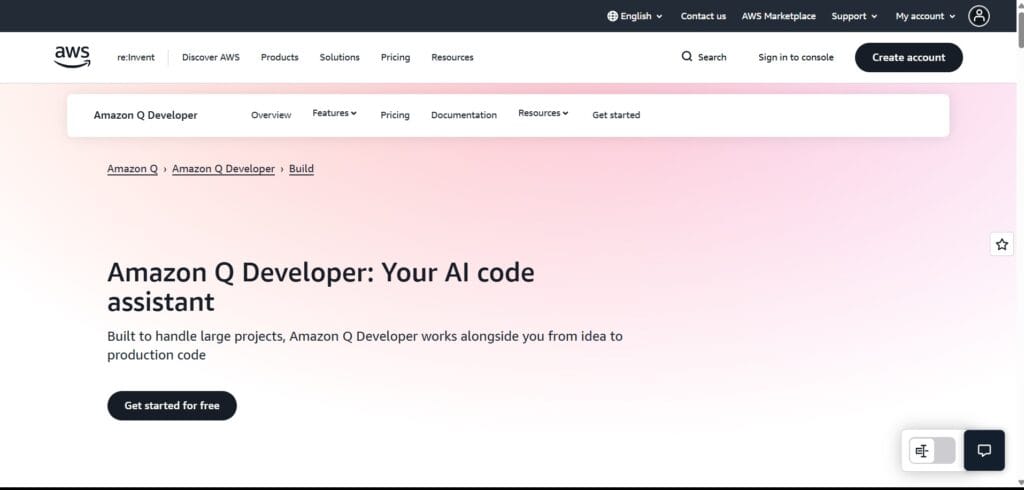
This is Amazon’s answer to GitHub Copilot. It is also very powerful and does similar things.
My Experience:
I found it very good for working with Amazon’s cloud (AWS). If I want to write code to use AWS services, CodeWhisperer is the best. It also checks for security problems, which is a great bonus.
Best For: People who build apps on Amazon Web Services (AWS).
| The Good (Pros) | The Not-So-Good (Cons) |
|---|---|
| It is very good with AWS code. | Its general code suggestions are not as smart as Copilot’s (for me). |
| It has a strong security checker to find unsafe code. | It also needs a good internet connection. |
| It is free for individual use! | |
| It gives references for the code it suggests. |
3. Replit AI: All-in-One Helper
Replit is a website where you can code directly in your browser. You don’t need to install anything. Their AI tool is built right into this platform.
My Experience:
This is the best tool for students and beginners. You can start coding instantly. You can even ask the AI to fix your errors or explain why your code is not working. It’s like a teacher always with you.
Best For: Beginners, students, and for quick coding projects.
| The Good (Pros) | The Not-So-Good (Cons) |
|---|---|
| No setup needed. Just go to the website and start. | You are limited to the Replit platform. |
| Can generate, explain, and fix code. | The free plan has some limits. |
| Perfect for learning and trying new languages. | |
| It can even help you make your own chatbot! |
Also Read This:)
Top 9 Dark Web Search Engines Link (2025) – Explore Safely with Working .Onion Links
4. Tabnine: The Reliable Old Friend
Tabnine was one of the first AI coding assistants. It is very reliable and works smoothly. It is like that old, trusted friend who is always there to help.
My Experience:
Tabnine is less flashy than Copilot, but it does its job very well. It gives shorter, more accurate suggestions. It doesn’t try to write the whole program, but it helps you type faster.
Best For: Developers who want fast, reliable code completion without too much distraction.
| The Good (Pros) | The Not-So-Good (Cons) |
|---|---|
| Very fast and does not slow down your computer. | It does not generate large blocks of code like others. |
| Works offline also! | The free version has limited features. |
| Supports almost all programming languages. | |
| Great for speeding up your typing. |
5. Cody by Sourcegraph: The Code Explainer
Cody is special because it understands your entire codebase. It’s not just for writing new code; it’s for understanding a big, old project.
My Experience:
Once I joined a new company and had to understand a huge project. I used Cody. I could ask it, “What does this function do?” or “Where is the login page code?” and it would find the answer instantly. It saved me days of work.
Best For: Working on large, complex projects with thousands of files.
| The Good (Pros) | The Not-So-Good (Cons) |
|---|---|
| Can answer questions about your whole code. | It can be complex to set up for a small project. |
| Can write unit tests for your code automatically. | Might be overkill for a single file or small project. |
| Can find and fix bugs by looking at the big picture. | |
| Explains code in a very simple way. |
Also Read This 🙂
Top 10 High Salary AI Jobs in 2025 | Best Artificial Intelligence Career Options”
6. ChatGPT (Especially GPT-4): The Smart Talker
You all know ChatGPT. It is a general AI chatbot, but it is also amazing for coding. You can talk to it like a person and ask for code.
My Experience:
I use ChatGPT almost every day. I ask it to write a function, plan a project, or convert code from one language to another. It is like having a senior developer on chat. But you have to ask the right questions.
Best For: Planning, learning, and getting code snippets by chatting.
| The Good (Pros) | The Not-So-Good (Cons) |
|---|---|
| You can have a conversation and ask follow-up questions. | It is not inside your code editor. You have to copy-paste code. |
| It can help with planning and designing your software. | It can make up fake information sometimes. |
| Great for learning and understanding concepts. | The free version is less powerful than the paid one. |
| Can write code in any language you ask for. |
Also Read This
AI vs Human Intelligence: Who is Smarter and Why? in 2025
7. AskCodi: Made for Developers
AskCodi is an AI tool made only for developers. It has many different apps like CodiSnippets, CodiWorkbook, and CodiChat.
My Experience:
I love its “CodiWorkbook” feature. It is like a smart notebook. I can write my idea in simple English, and it creates the code structure for me. It is also very good at creating SQL database queries and test cases.
Best For: Generating specific things like SQL queries, test cases, and app templates.
| The Good (Pros) | The Not-So-Good (Cons) |
|---|---|
| Has special tools for different tasks (SQL, tests, etc.). | The interface can be confusing at first. |
| Generates very clean and ready-to-use code. | Another tool you need to pay for after the free trial. |
| The “Workbook” feature is great for planning. | |
| It can also help you write documentation. |
Also Read This
Best AI Tools for Students and Professionals in 2025
8. Codiga: The Code Quality Inspector
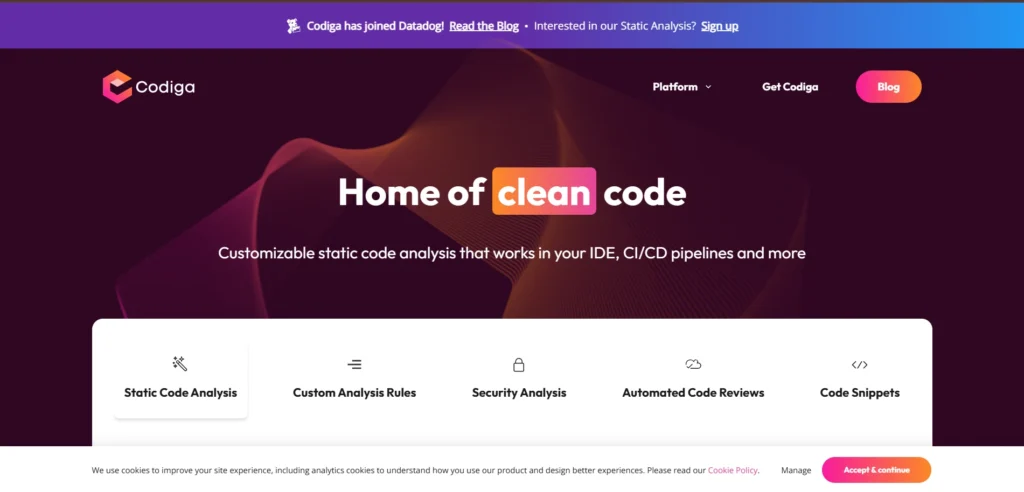
Codiga is a bit different. It focuses on making your code better, safer, and cleaner. It checks your code for problems before you even run it.
My Experience:
I use Codiga with my team. It automatically reviews every line of code we write. It tells us if the code is too complex, or if there is a security risk. It helps us maintain a high quality.
Best For: Teams and developers who want to write clean, secure, and professional code.
| The Good (Pros) | The Not-So-Good (Cons) |
|---|---|
| Finds security problems and bugs automatically. | It is more about checking code than writing it. |
| Helps you follow best coding practices. | Not very useful for a solo beginner just starting out. |
| Works with GitHub, GitLab, and Bitbucket. | |
| Gives you a score for your code quality. |
9. Mintlify: The Documentation Doctor
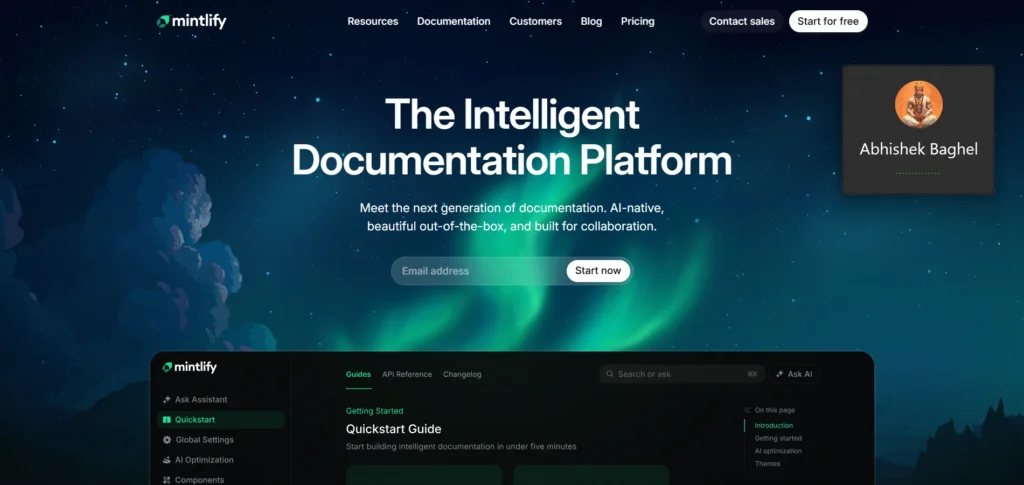
Writing documentation (notes about your code) is boring. But it is very important. Mintlify uses AI to write documentation for you automatically.
My Experience:
I had a big Python project with no documentation. I installed Mintlify, and it read my code and generated beautiful documentation in minutes. It was a huge time-saver.
Best For: Developers and teams who hate writing documentation (which is almost everyone!).
| The Good (Pros) | The Not-So-Good (Cons) |
|---|---|
| Saves hours of boring work. | It only does one thing (but it does it very well). |
| Creates clear and professional documentation. | You need to have your code clean for it to work best. |
| Easy to use. | |
| Helps new people understand your project quickly. |
10. CodeT5: The Open-Source Hero
Most of the tools I talked about are made by big companies. CodeT5 is an open-source project. This means its code is free for anyone to see and improve.
My Experience:
If you are a researcher or someone who loves open-source technology, CodeT5 is amazing. You can run it on your own computer. It may not be as easy to use as Copilot, but it is very powerful and free.
Best For: Researchers, students, and open-source lovers.
| The Good (Pros) | The Not-So-Good (Cons) |
|---|---|
| It is free and open-source. | It is difficult to set up for a non-expert. |
| You can control it completely and even train it on your own code. | It does not have a nice, ready-to-use interface. |
| No data is sent to any company; your code stays with you. | Requires a very powerful computer to run well. |
| Represents the future of community-driven AI. |
How to Choose the Right Tool? (A Simple Guide)
So many tools! How to choose one? Don’t worry. Here is a simple guide:
- If you are a Student/Beginner: Start with Replit AI. It is the easiest.
- If you are a Professional Developer: GitHub Copilot is the best choice. It is worth the money.
- If you work with AWS: Use Amazon CodeWhisperer.
- If you work on a Big, Old Project: Try Cody by Sourcegraph.
- If you want a Chat Friend for Coding: Use ChatGPT.
- If you want Code Reviews and Quality Checks: Use Codiga.
- If you Hate Writing Documentation: Use Mintlify.
You can try the free versions of most tools and see which one you like.
Use our Free Tools
Free Online Image Converter | Convert JPG, PNG, WEBP, HEIC –SmartToolsWala
Frequently Asked Questions (FAQs)
Q1: Will AI tools take away coders’ jobs?
No, I don’t think so. Just like calculators didn’t take away mathematicians’ jobs, AI tools won’t take away coders’ jobs. They are just tools. They will take away boring and repetitive tasks. But you still need a smart human brain to design the software, solve complex problems, and tell the AI what to do. So, coders will become more productive and creative.
Q2: Are these AI tools free?
Some have good free plans for individuals (like CodeWhisperer, Tabnine). The most powerful ones like GitHub Copilot are paid. But they are not very expensive. Think of it as an investment. If it saves you 2 hours a week, it is worth the money.
Q3: I am a beginner. Should I use an AI tool or learn on my own?
This is a very good question. My advice is: Learn the basics first. Try to write simple code without any help. Understand the logic. Once you are comfortable, then use an AI tool. The tool will then help you learn faster. If you use AI from day one, you might not learn properly.
Q4: Can I trust the code given by the AI?
No, not 100%. You should always check the code. The AI can make mistakes. It can suggest code that looks correct but has a small bug. You are the final boss. You must understand and review the code before using it.
Q5: Which tool is the absolute best?
This is like asking, “Which is the best car?” It depends on your needs. But if I have to choose one for a general coder, I would say GitHub Copilot. It is the most popular for a reason. It works very well and is constantly improving.
Final Words (My Last Thought)
Friends, AI coding tools are a game-changer. They are not magic, but they are very powerful helpers. They can make coding more fun and less frustrating.
I have shared my honest experience with the 10 best tools for 2026. My favorite is GitHub Copilot because it feels like a part of my brain now. But you should try a few and see which one becomes your best coding friend.
I hope this review was helpful for you. Happy coding! And keep visiting insanenotes.in for more simple and helpful guides.






2 thoughts on “Best 10 AI Tools for Coding in 2026 – Write Code Faster with Artificial Intelligence”